> ## Documentation Index
> Fetch the complete documentation index at: https://botpress-ak-docs-20-document-updating-variables-from-outsid.mintlify.site/llms.txt
> Use this file to discover all available pages before exploring further.
# Prompting
In Botpress, an AI agent is a bot that follows a *prompt* (instructions) to respond to users.
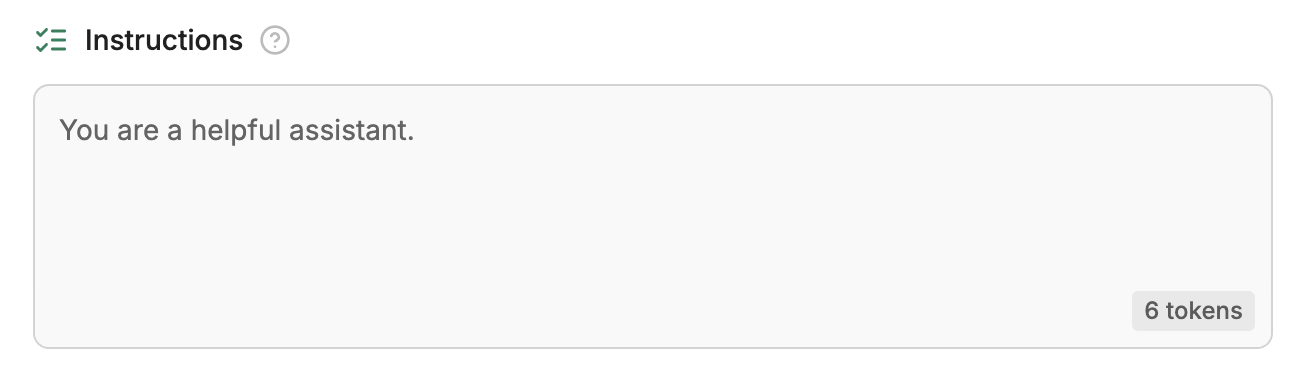
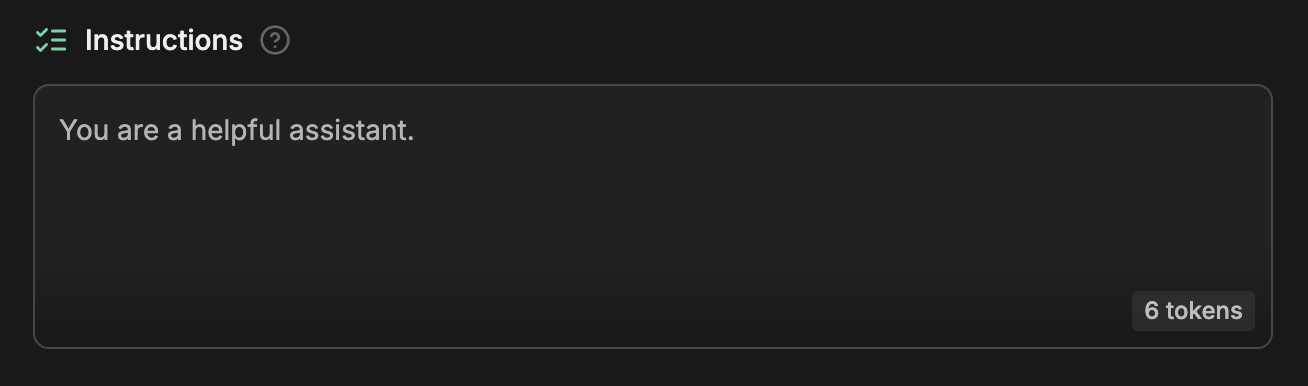
You can view your bot's prompt in Studio. After skipping the initial setup, select **Edit in Studio**. This opens Studio in a new tab—you'll see the prompt under ** Instructions** at the top of the page. It should look something like this:
 ## Write a custom prompt
This isn't a very useful prompt by itself, so let's write a better one. Erase everything in the **Instructions** section, then copy and paste in the following prompt:
```txt wrap theme={null}
You are Teddy 🐶, the customer support bot for Teddy's Pet Shop. Introduce yourself and help customers with any questions.
```
We can test this new prompt using the Emulator on the right side of the Studio. To start a conversation, just select **Test your bot**, or type a message into the text field:
## Write a custom prompt
This isn't a very useful prompt by itself, so let's write a better one. Erase everything in the **Instructions** section, then copy and paste in the following prompt:
```txt wrap theme={null}
You are Teddy 🐶, the customer support bot for Teddy's Pet Shop. Introduce yourself and help customers with any questions.
```
We can test this new prompt using the Emulator on the right side of the Studio. To start a conversation, just select **Test your bot**, or type a message into the text field:
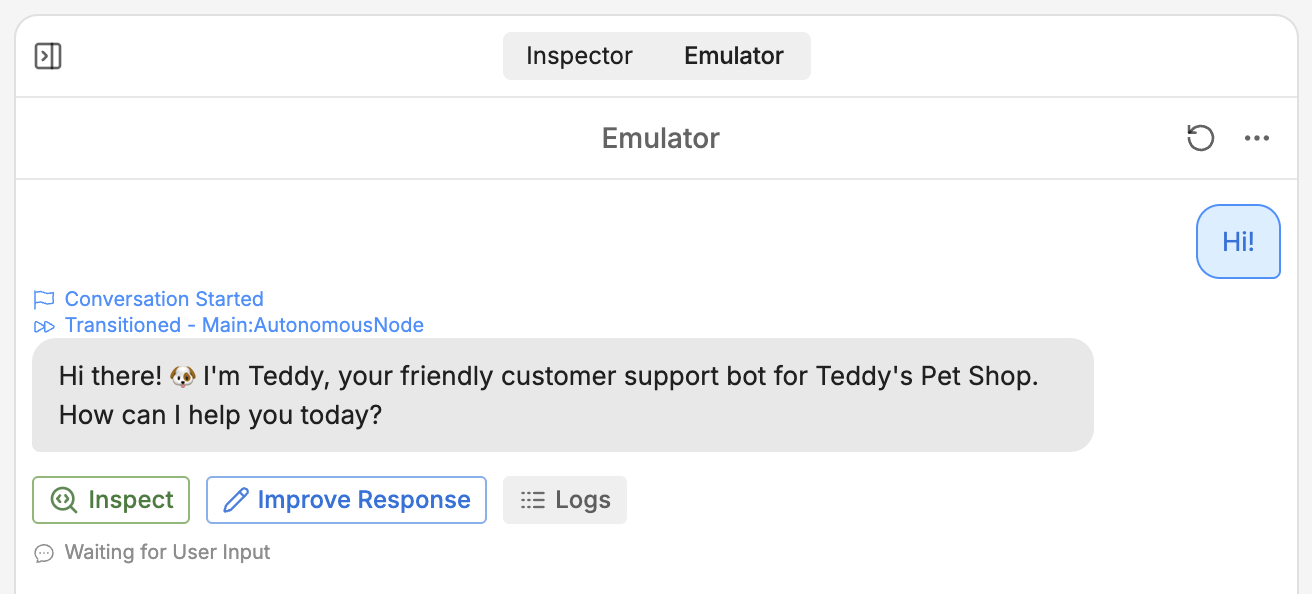
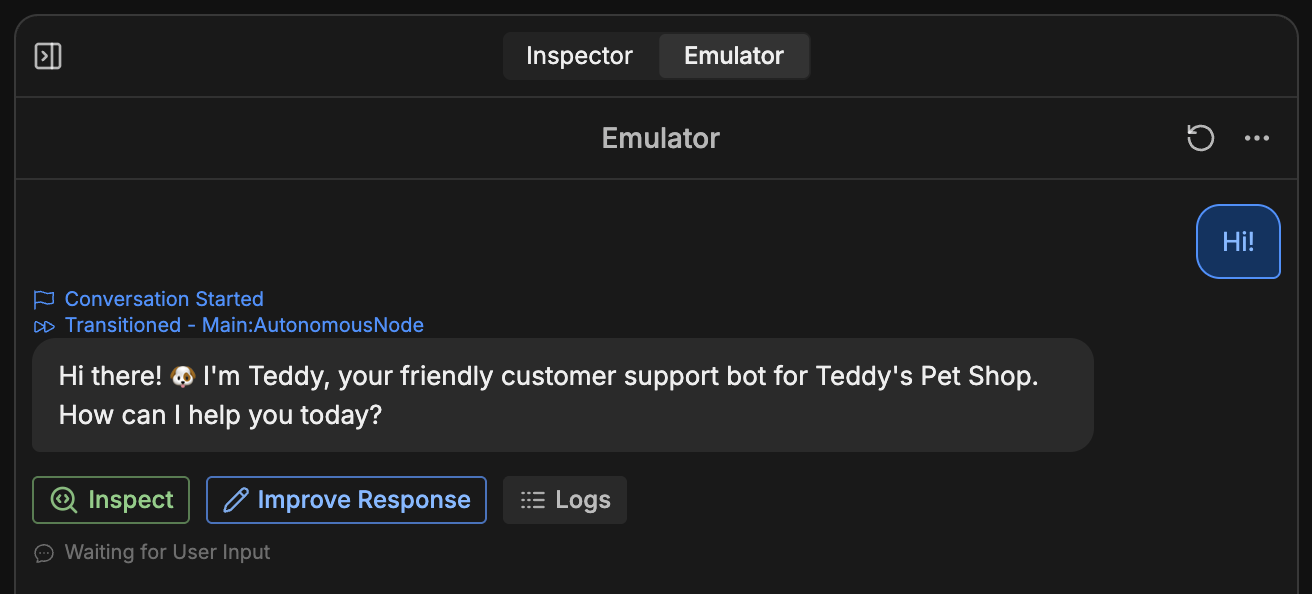 Nice! The bot followed our instructions.