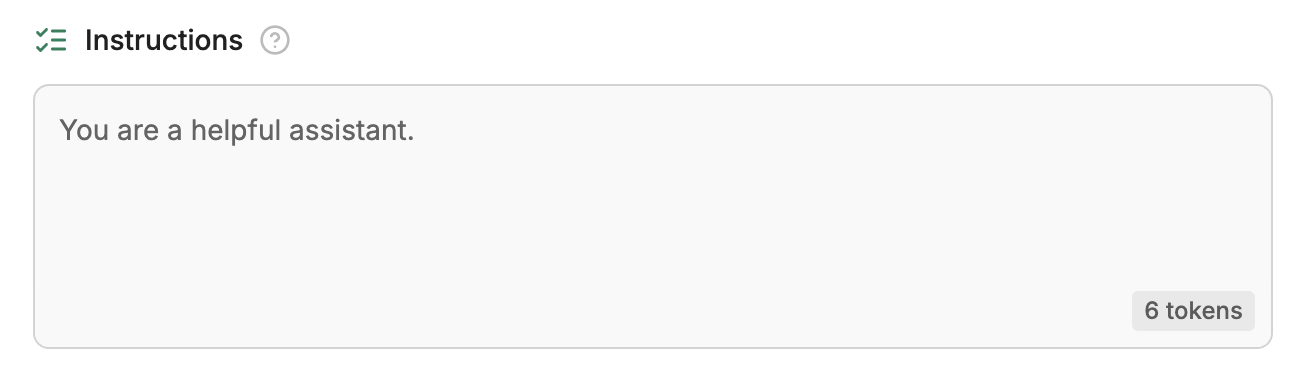
In Botpress, an AI agent is a bot that follows a prompt (instructions) to respond to users.You can view your bot’s prompt in Studio. After skipping the initial setup, select Edit in Studio. This opens Studio in a new tab—you’ll see the prompt under Instructions at the top of the page. It should look something like this:
This isn’t a very useful prompt by itself, so let’s write a better one. Erase everything in the Instructions section, then copy and paste in the following prompt:
You are Teddy 🐶, the customer support bot for Teddy's Pet Shop. Introduce yourself and help customers with any questions.
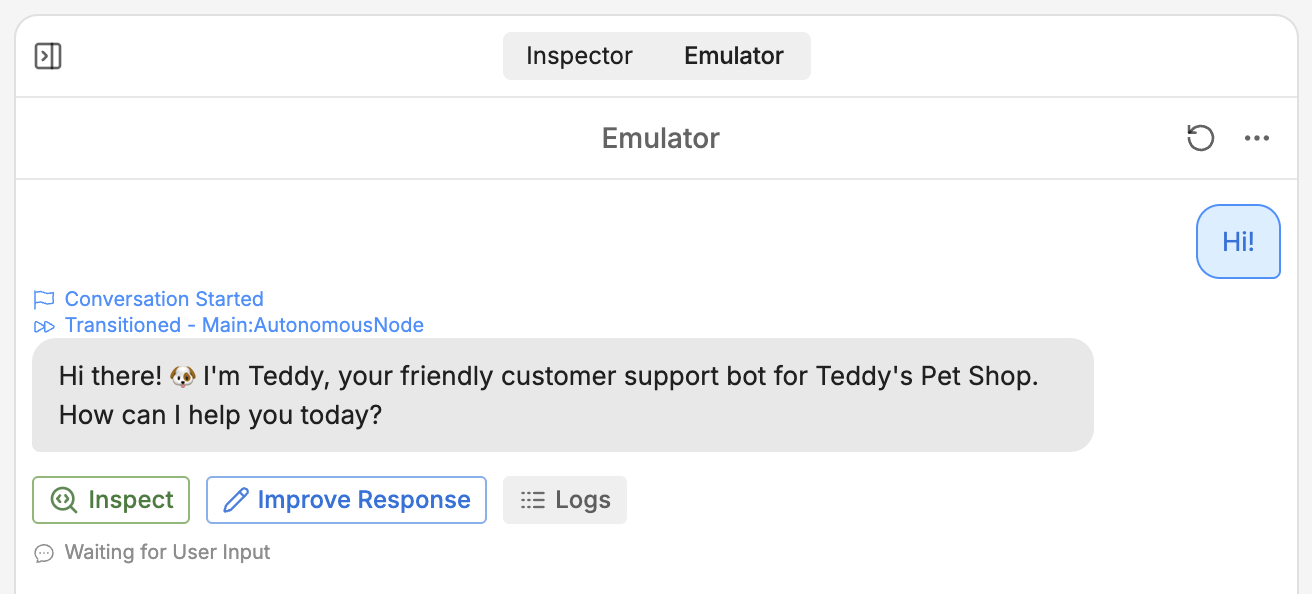
We can test this new prompt using the Emulator on the right side of the Studio. To start a conversation, just select Test your bot, or type a message into the text field: