

You will need:
- A published bot
- Basic familiarity with HTML
1
Get your embed code
To embed a bot on your website, you need the bot’s Webchat embed code. You can get the embed code from the Dashboard:
- Open your bot’s Workspace and select the bot you want to embed.
- In the left sidebar, go to Webchat > Deploy Settings.
- Copy the Embed code:

2
Add to your website
Next, add the Webchat embed code to the
head section of your website’s HTML. For example:index.html
3
You’re all set! Open your website and start chatting with your bot. It should look something like this: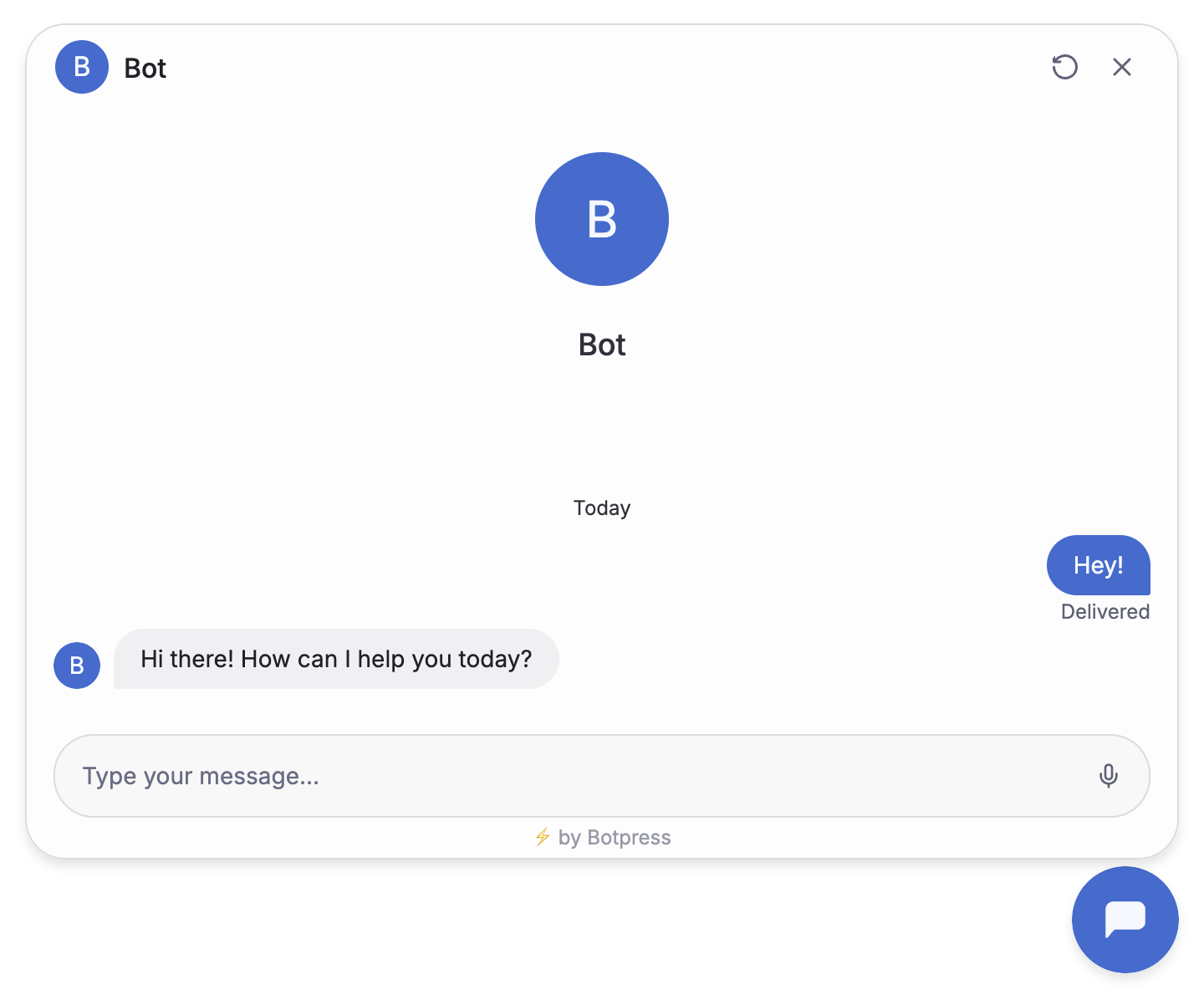
Done! Your bot is now live on your website.