

Conversations
You can view a list of all your agent’s conversations in the Conversations sub-section. Just select any conversation to view its details: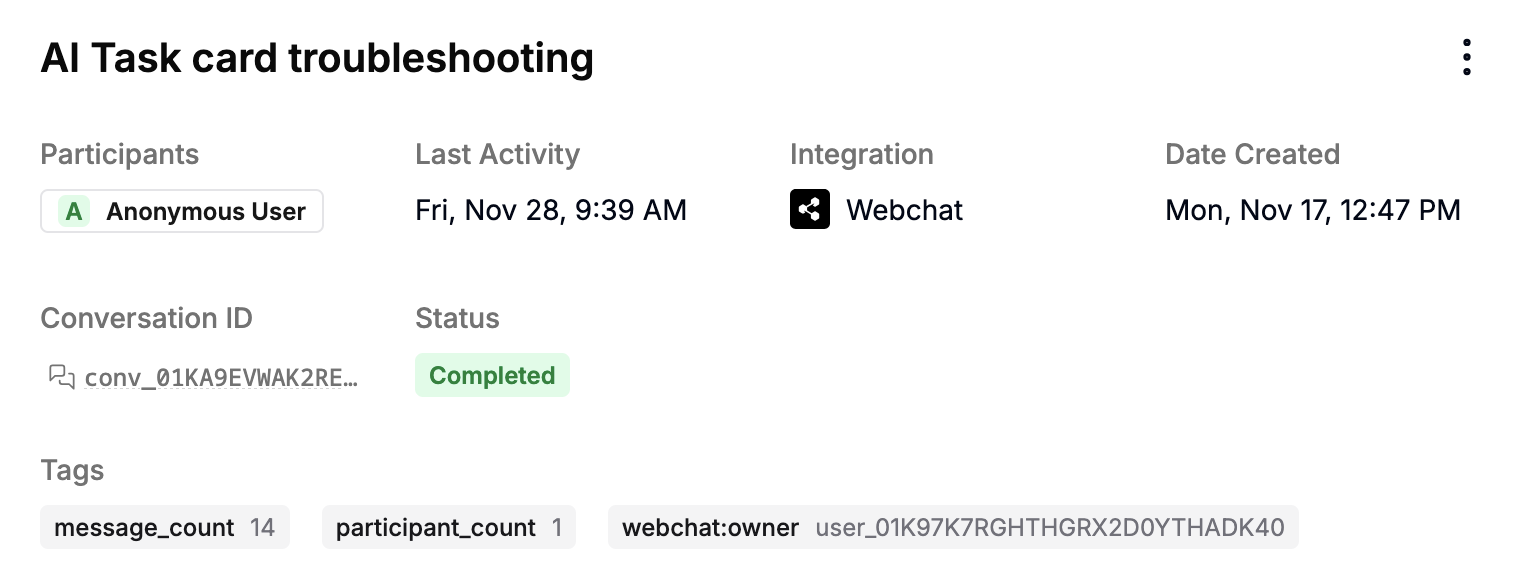
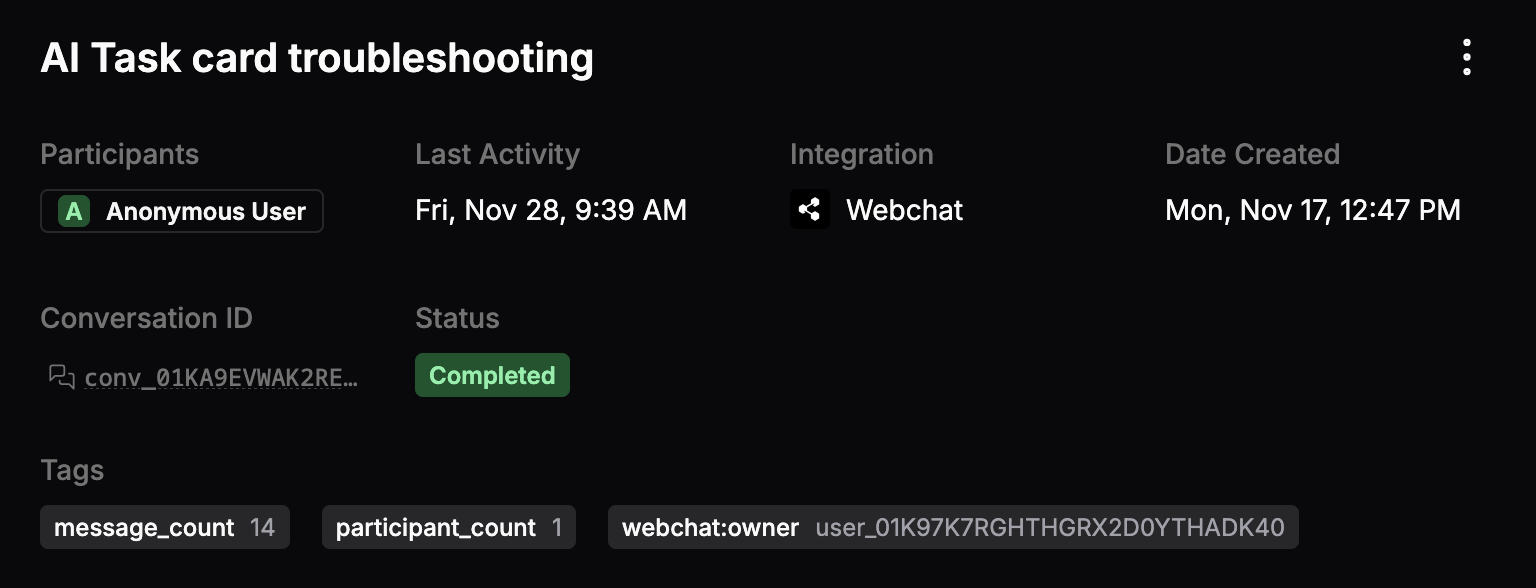
- The conversation’s participants
- Its conversation ID
- Which integration it occurred on
- Its start date and last activity
- Its current status
- Any tags associated with it
Message data
You can select any message in the conversation to get a detailed JSON representation of all its associated data: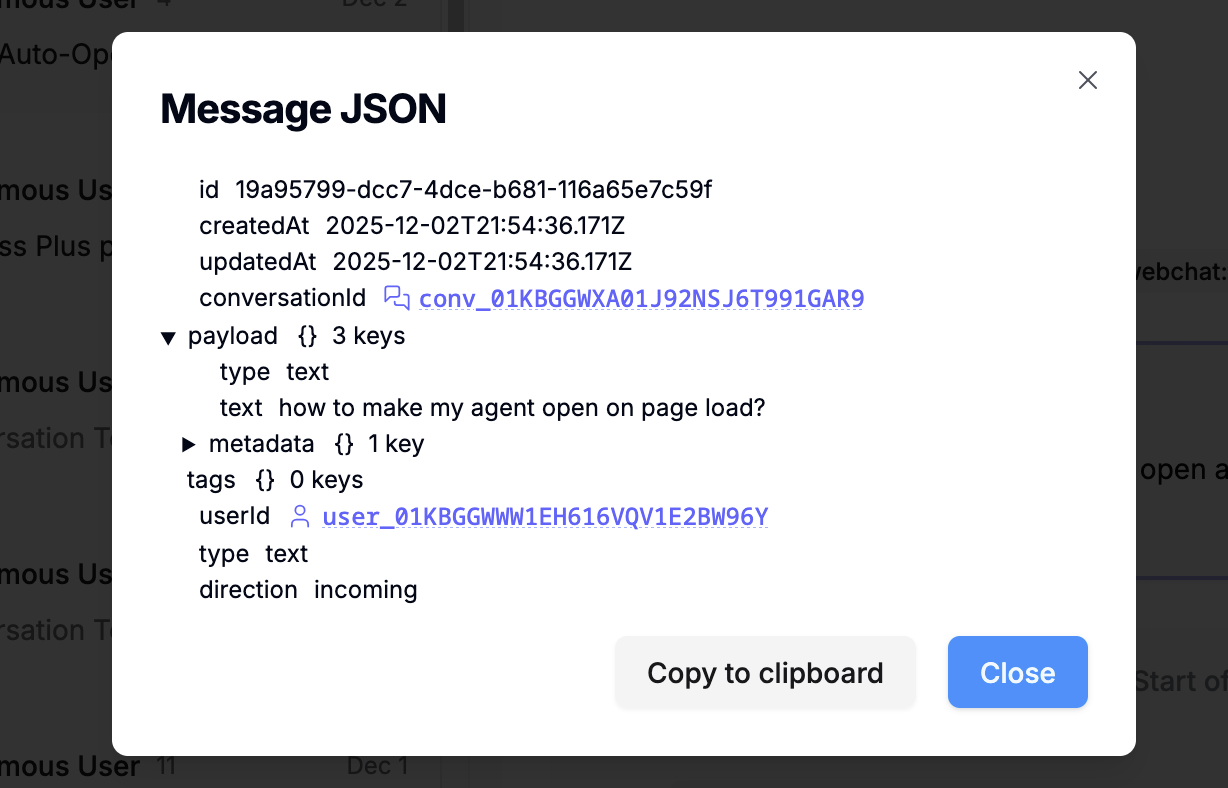

AI insights
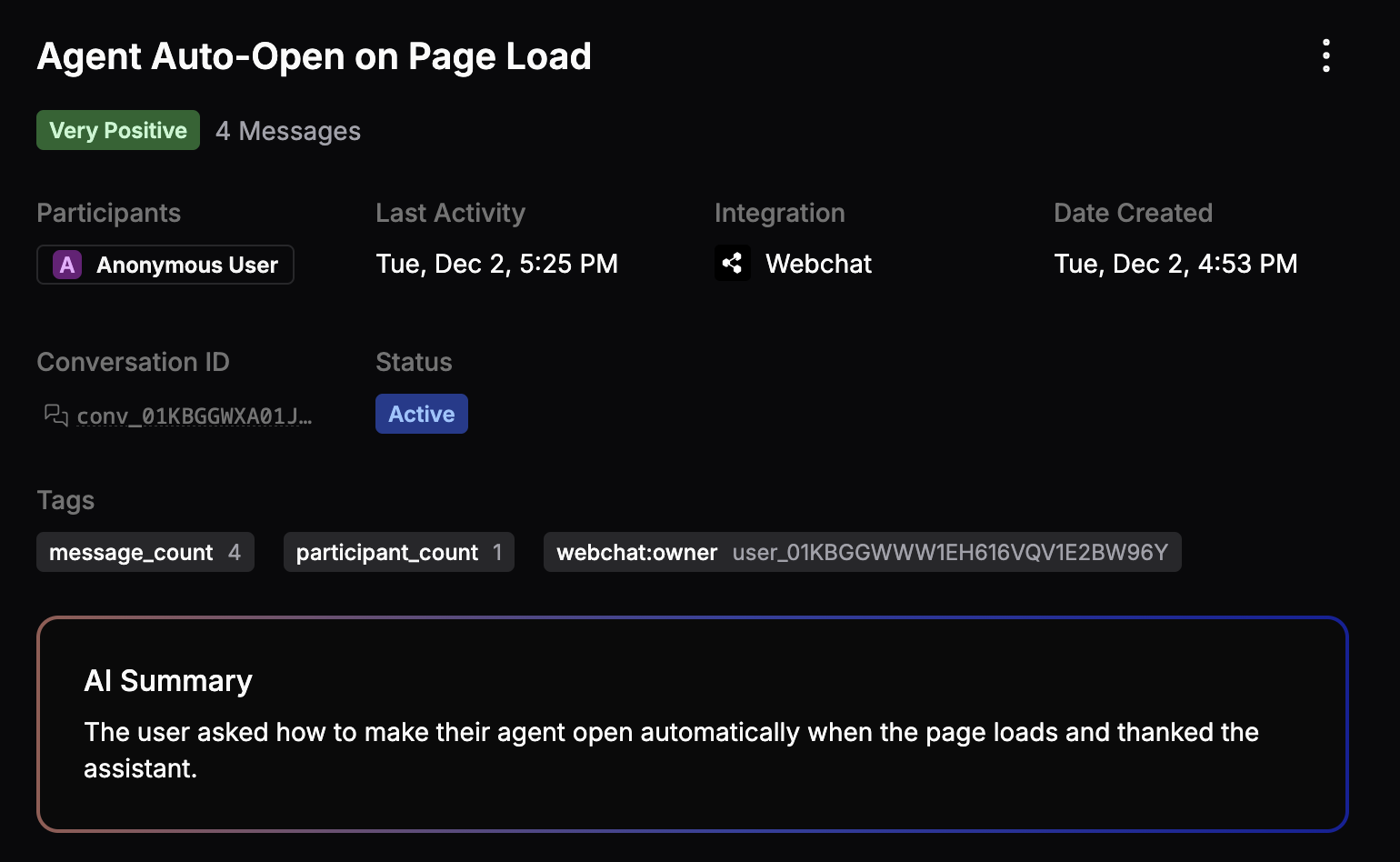
Select Enable AI to enable sentiment analysis and AI summaries for incoming conversations:
Users
You can view all your agent’s unique users in the Users sub-section. Select any user ID to open conversations, events, or logs associated with that user.Analytics
You can view detailed analytics about your agent’s performance in the Analytics sub-section: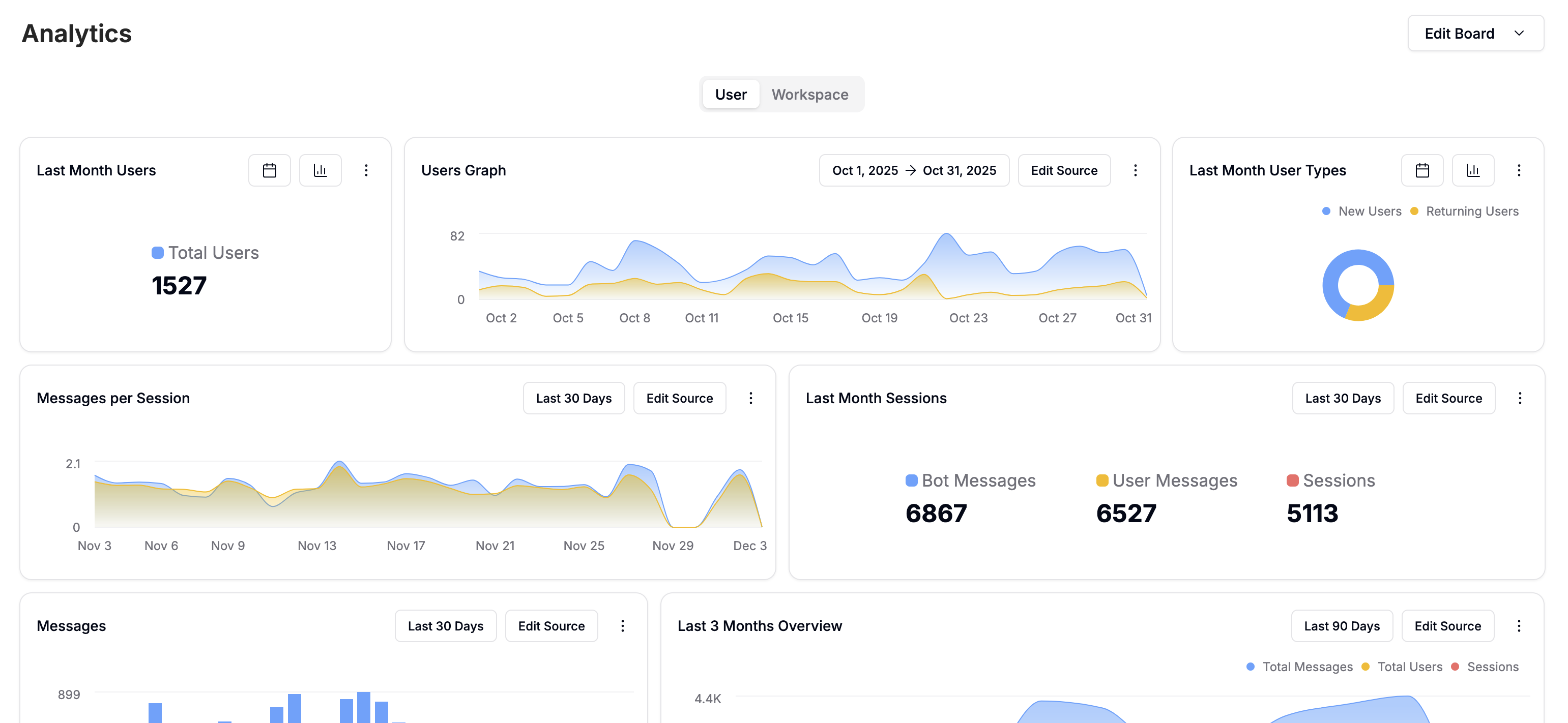
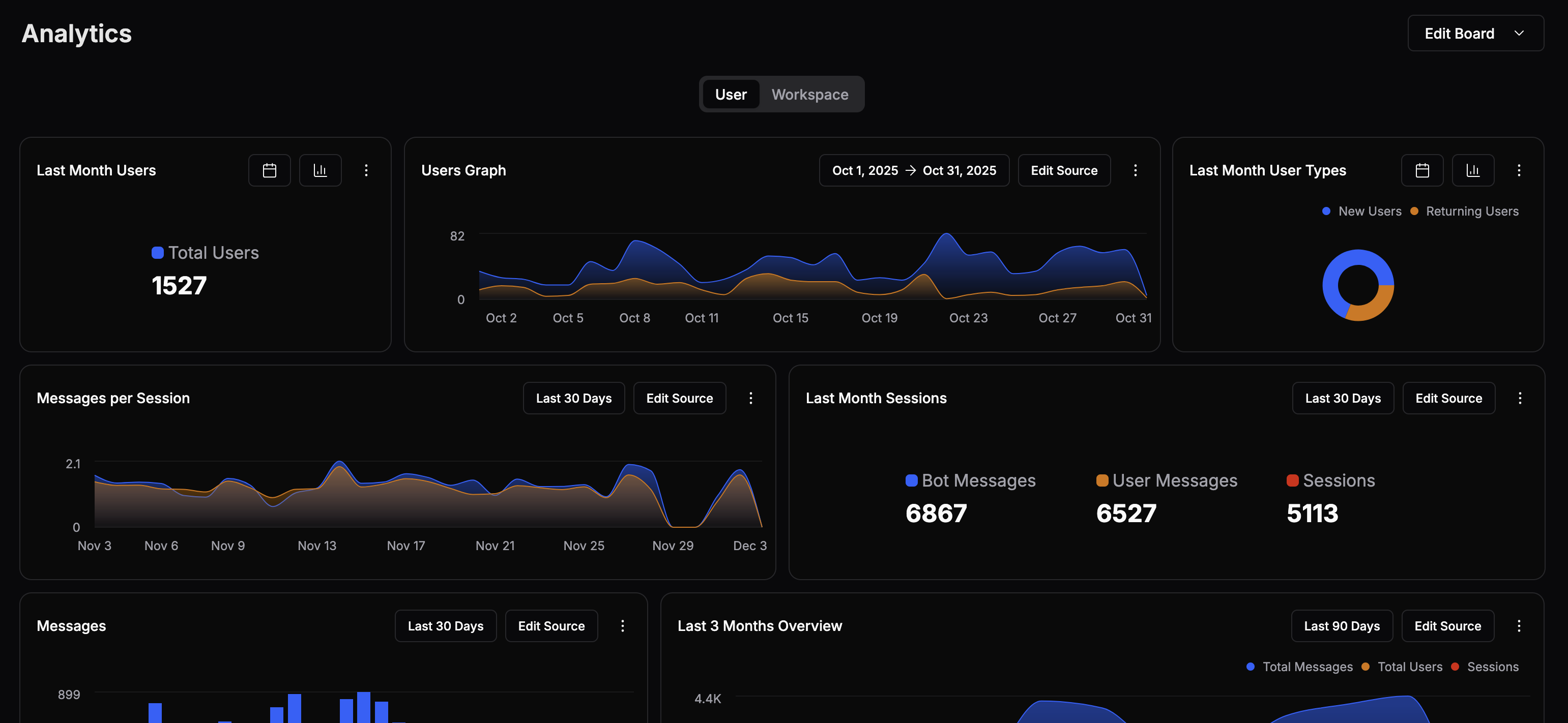
- Select the current range to modify it
- Select Edit Source to change which data the tile displays
- Select to access additional options:
- Show/Hide Legend
- Type
- Duplicate
- Delete