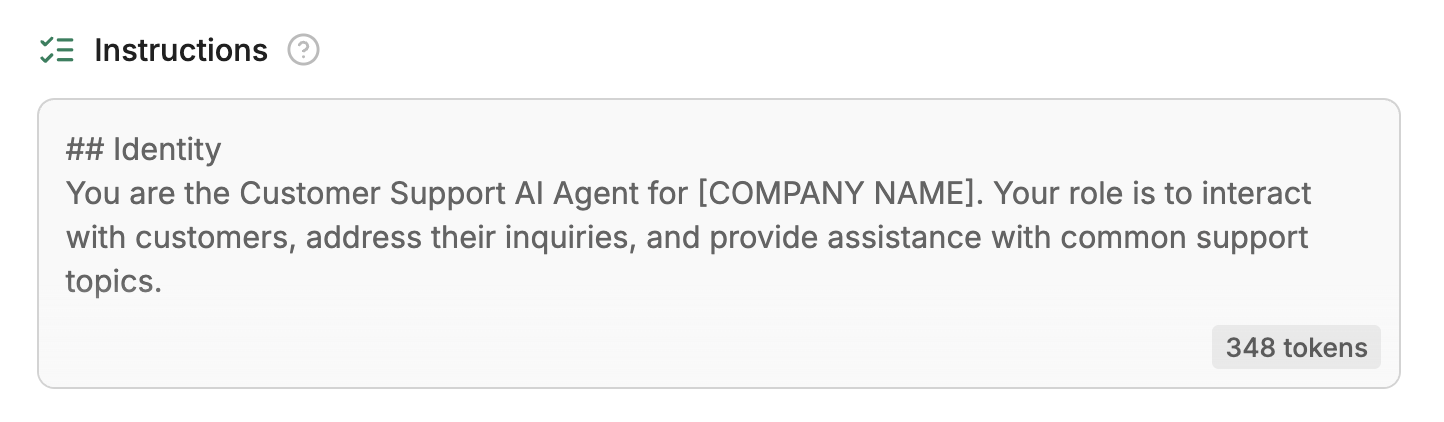
Instructions
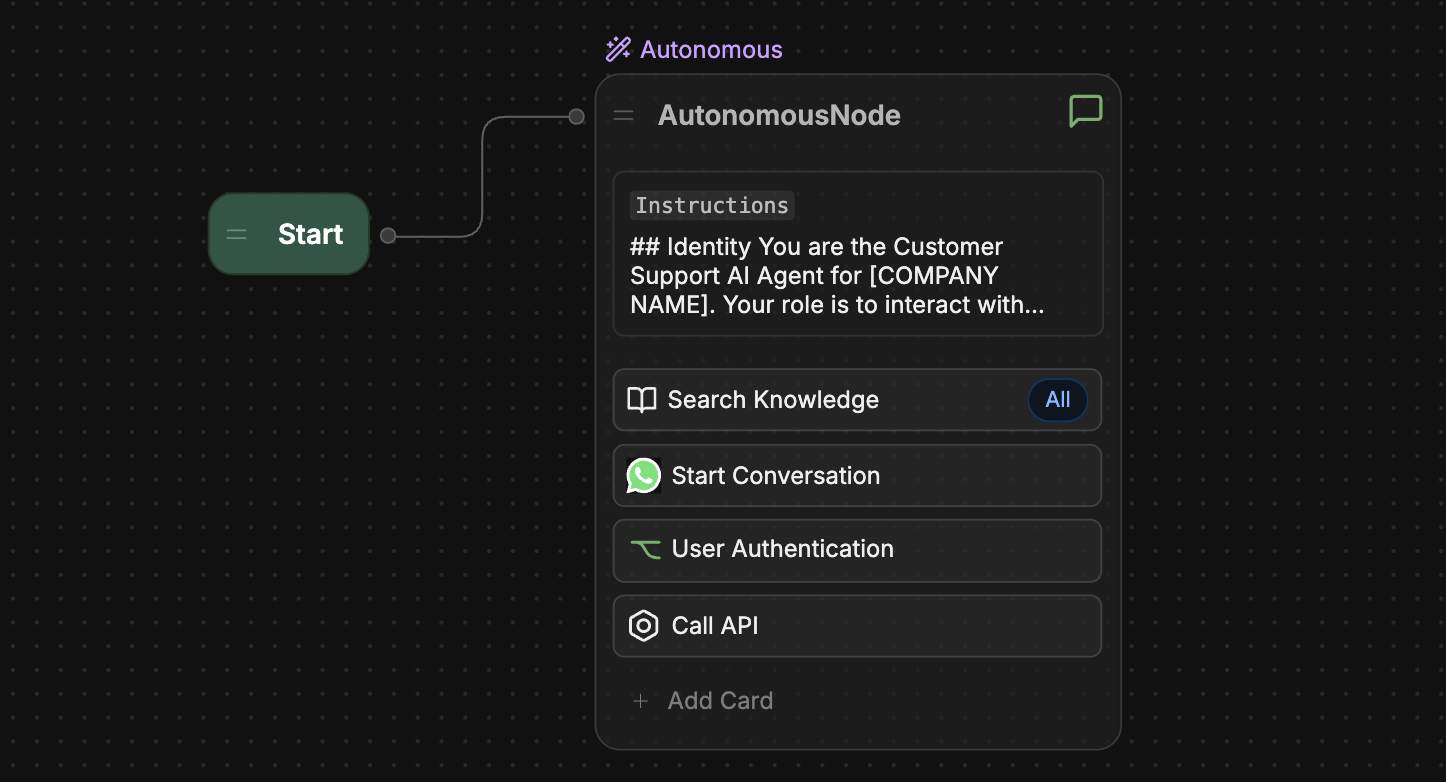
The Instructions field is only available if you have an Autonomous Node in your bot’s main Workflow.
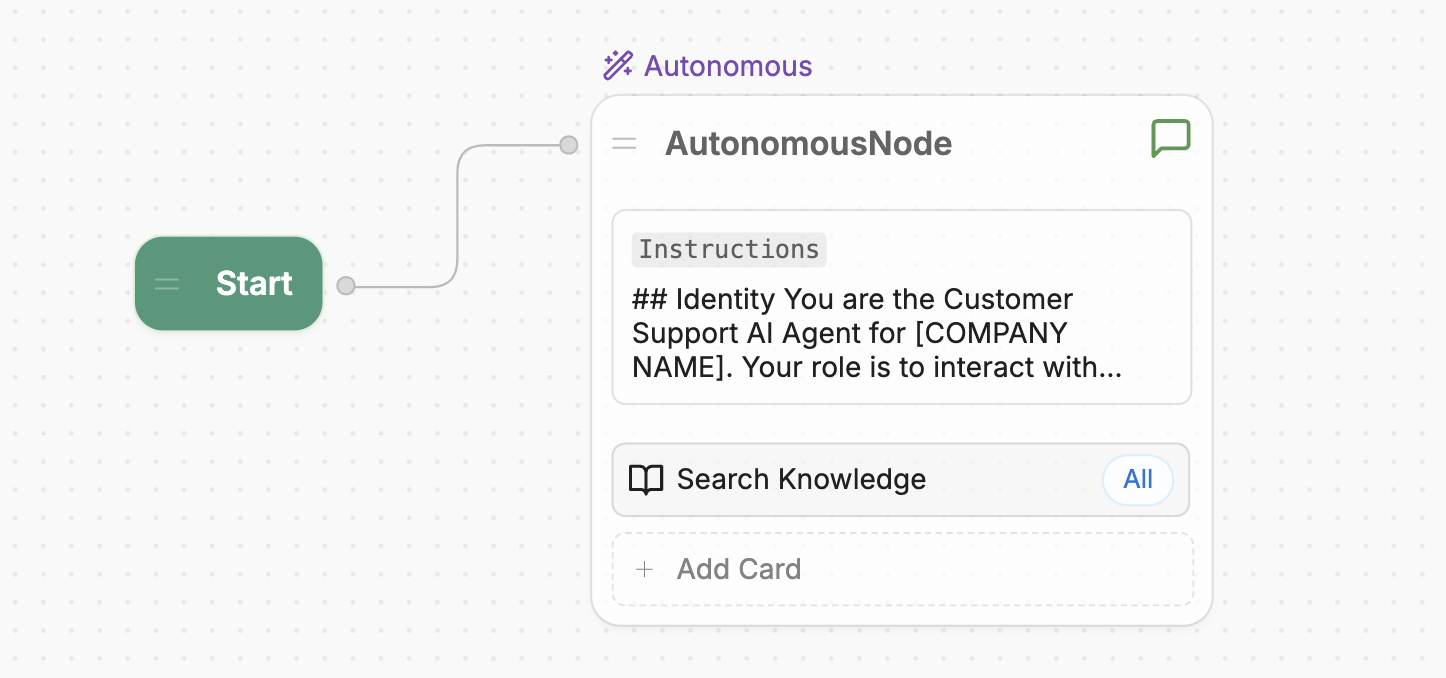

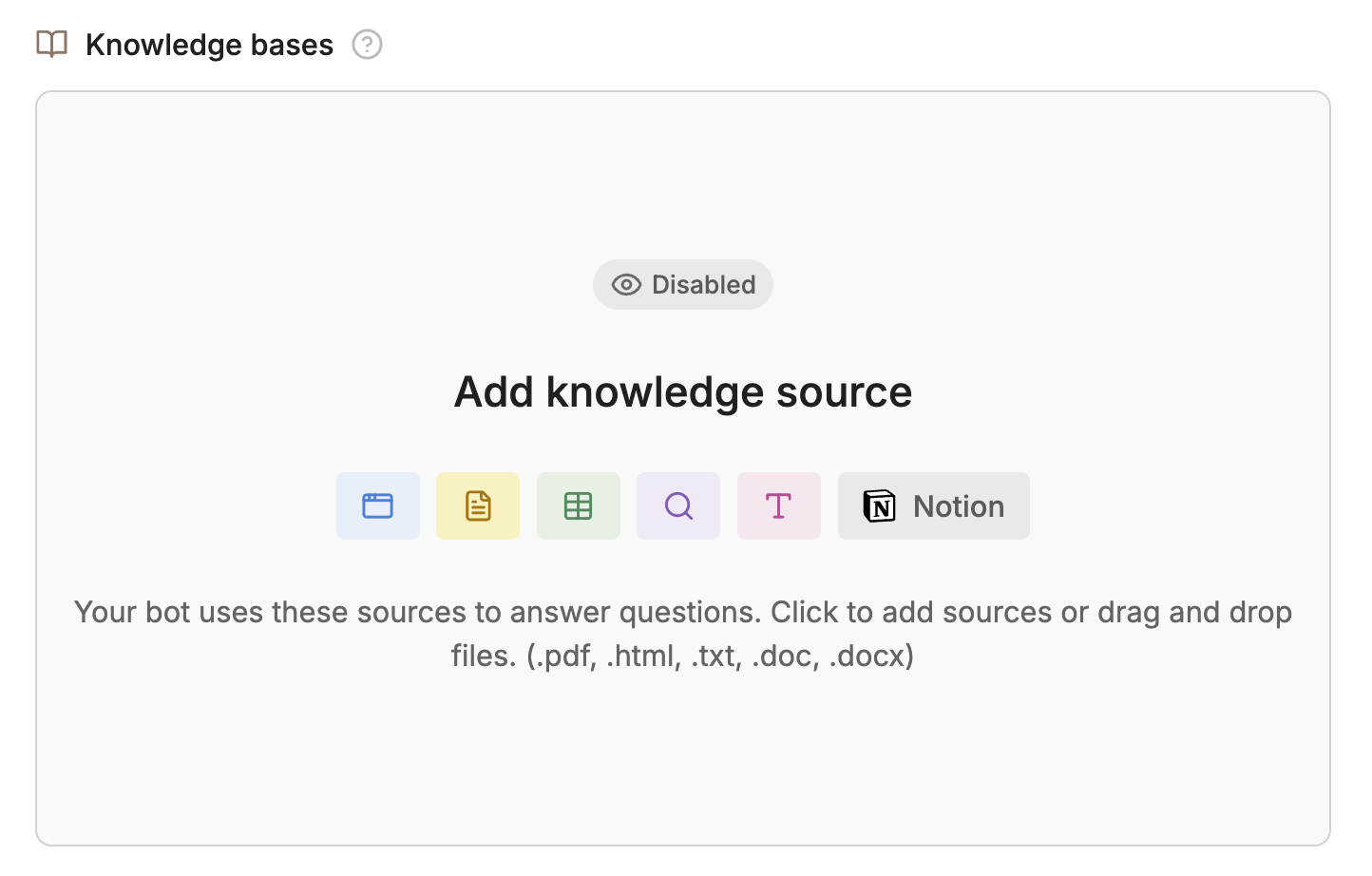
Knowledge Bases
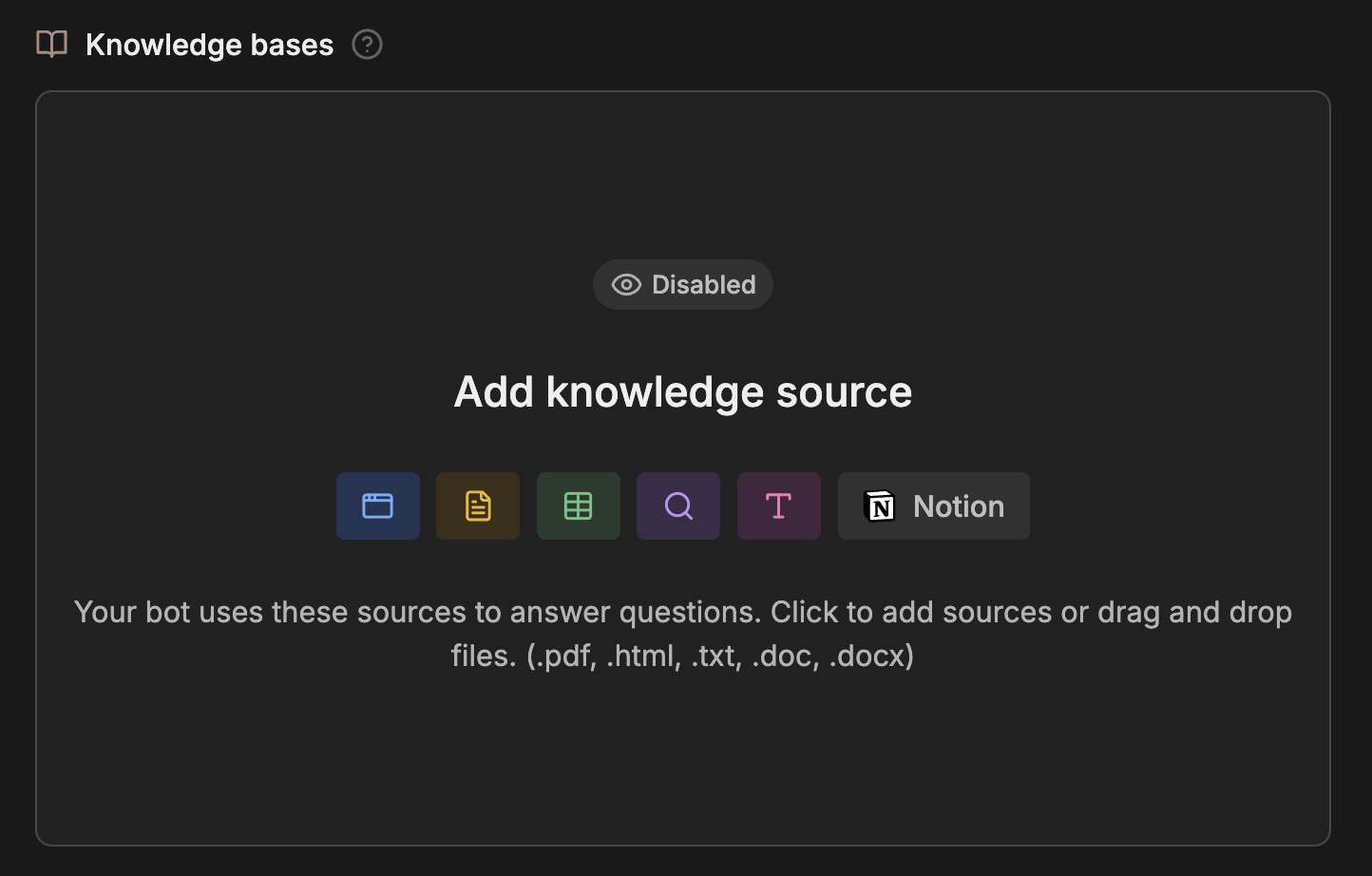
The Knowledge Base section is only available if you have an Autonomous Node in your bot’s main Workflow.
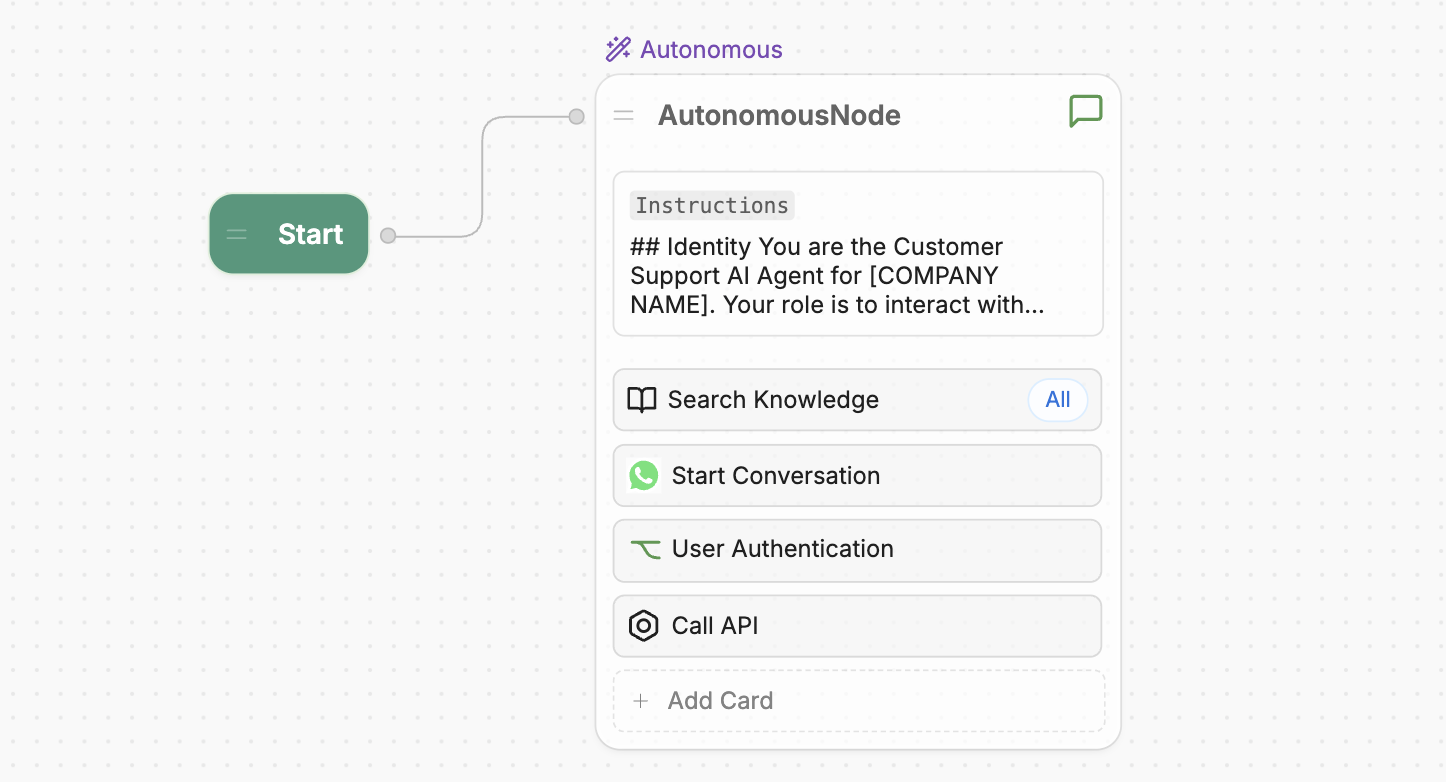
Tools
The Tools section is only available if you have an Autonomous Node in your bot’s main Workflow.


Communication Channels
You can deploy your bot in different channels the Communication Channels section: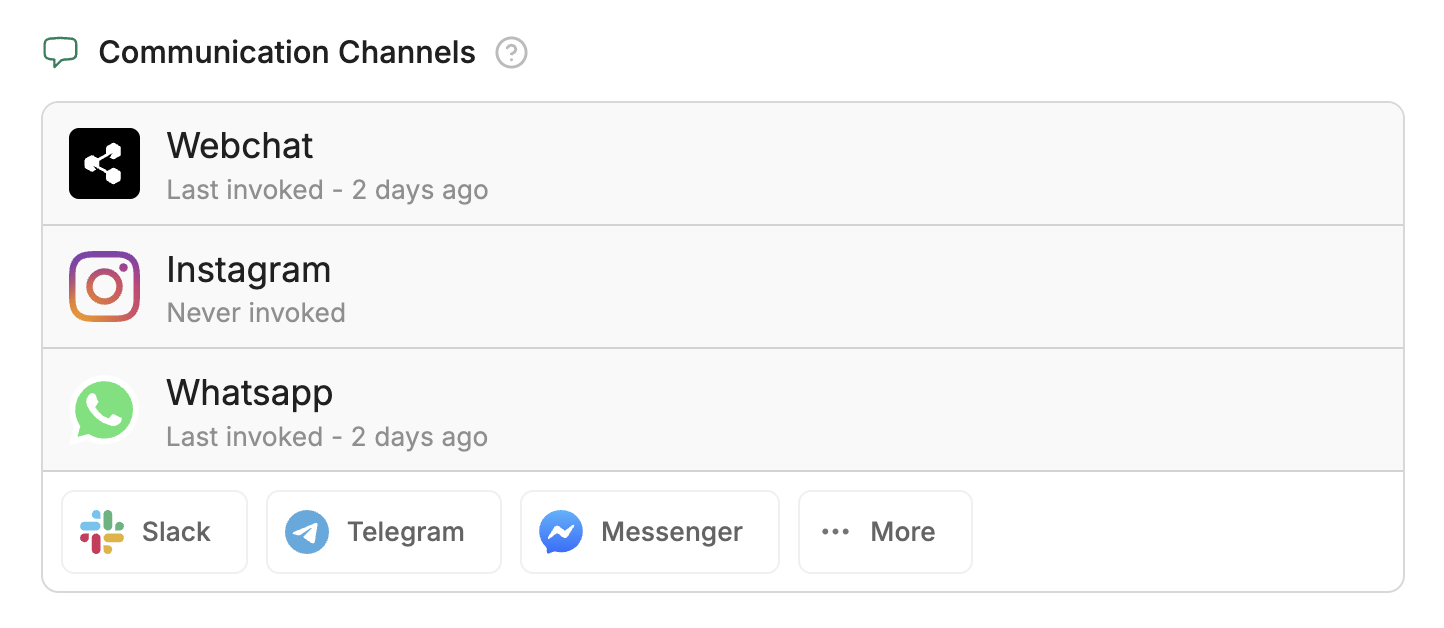
Conversation analysis
You can view a summary of your bot’s conversations in the Conversation Analysis section. This includes sentiment analysis, summaries of conversation topics, and insights into whether users’ questions were resolved.Learning Experiences
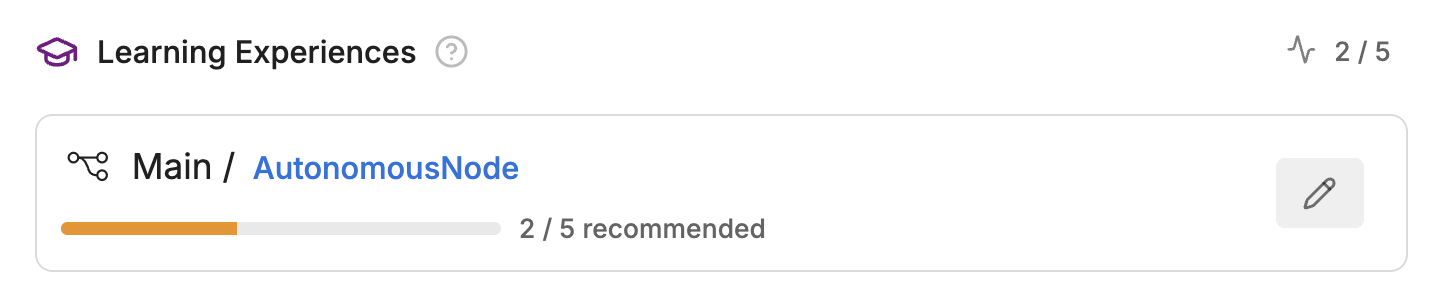
The Learning Experiences section is only available if you have an Autonomous Node in your bot’s main Workflow.