Botpress home page
Docs
Tutorial
API Reference
Changelog
Dashboard
Dashboard
Search...
Navigation
Custom logic
Creating Nodes
Search...
⌘K
Community Discord
News & Resources
Introduction
Basics of Botpress
Beta
First steps
Custom logic
Workflows
Creating Nodes
Adding Cards
Using custom logic with AI
Storing information
Basics of Botpress
Custom logic
Creating Nodes
Ask AI
Ask AI
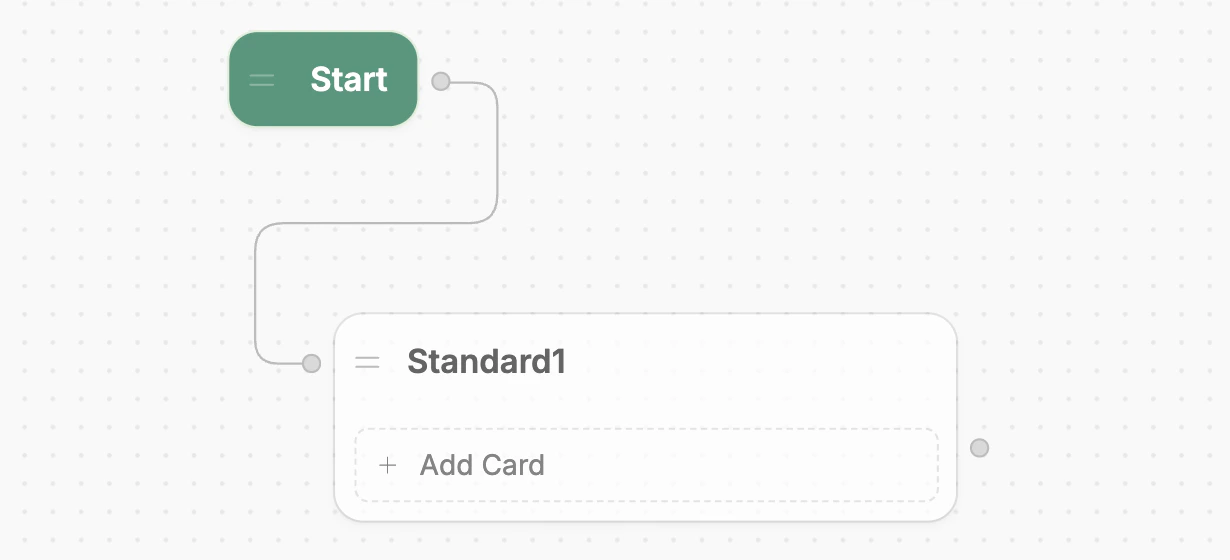
Let’s create a new Node and add a step to our bot’s logic:
Select and hold the right edge of the Start Node.
Drag outwards to create a new transition.
Release anywhere on the canvas. You’ll see a list of Node types to choose from—select
Standard Node
.
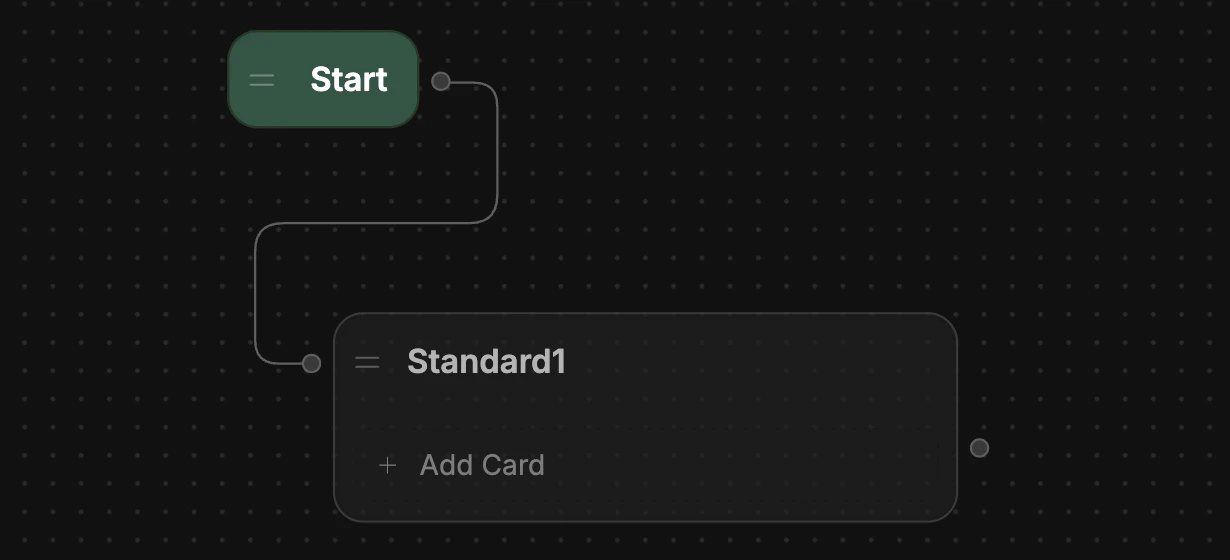
You just created a new Node! Notice that because you dragged out from the edge of the Start Node, it automatically transitioned to the new Node:
Standard Nodes, unlike Autonomous Nodes, don’t use AI by default. This makes them great for hard-coding behaviour into your bot.
Was this page helpful?
Yes
No
Suggest edits
Raise issue
Workflows
Previous
Adding Cards
Next
⌘I