

Nodes
Each step in a Workflow is represented by a Node. Let’s open the Main Workflow and take a look at its Nodes:- Go to the Workflows section in the left sidebar.
- Select your Main Workflow. It should look something like this:
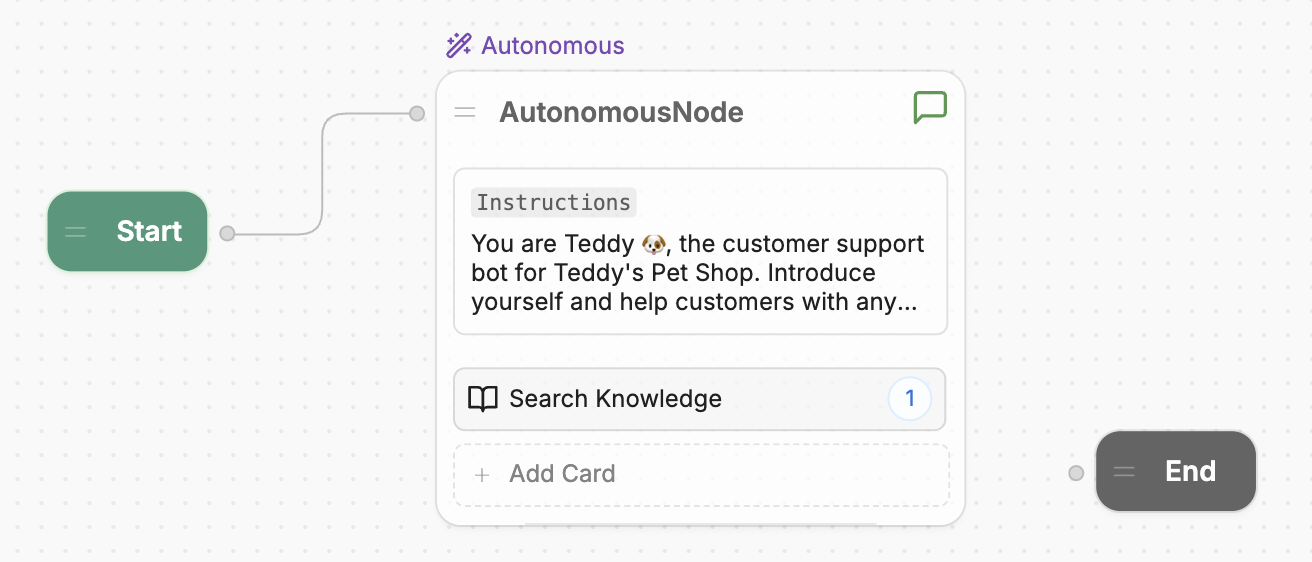
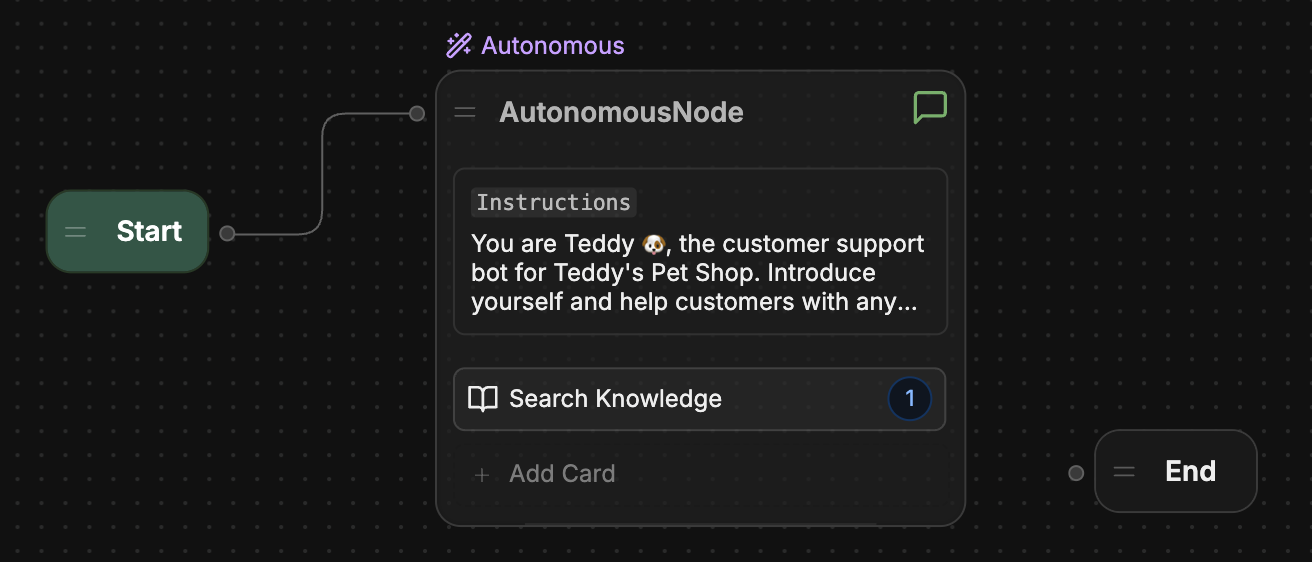
- A Start Node, which starts the conversation
- An Autonomous Node, which generates AI responses
- An End Node, which ends the conversation
Transitions
Notice the path connecting the Start Node and the Autonomous Node: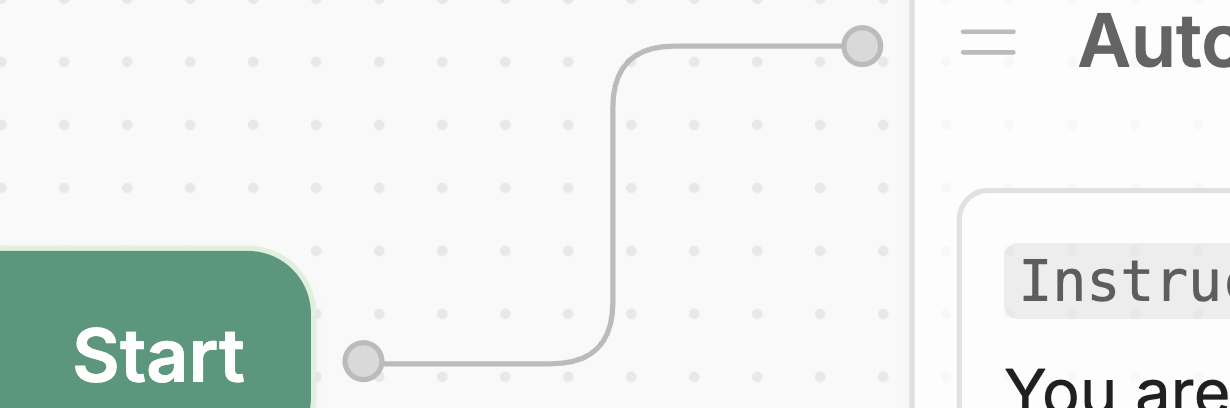
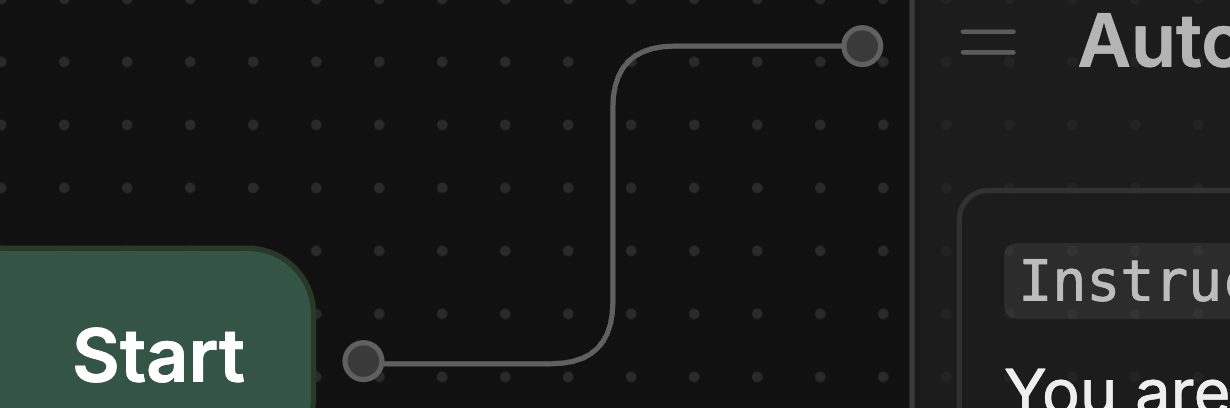
“When the conversation starts, go directly to the Autonomous Node.”