

Configuration Errors
Missing client ID
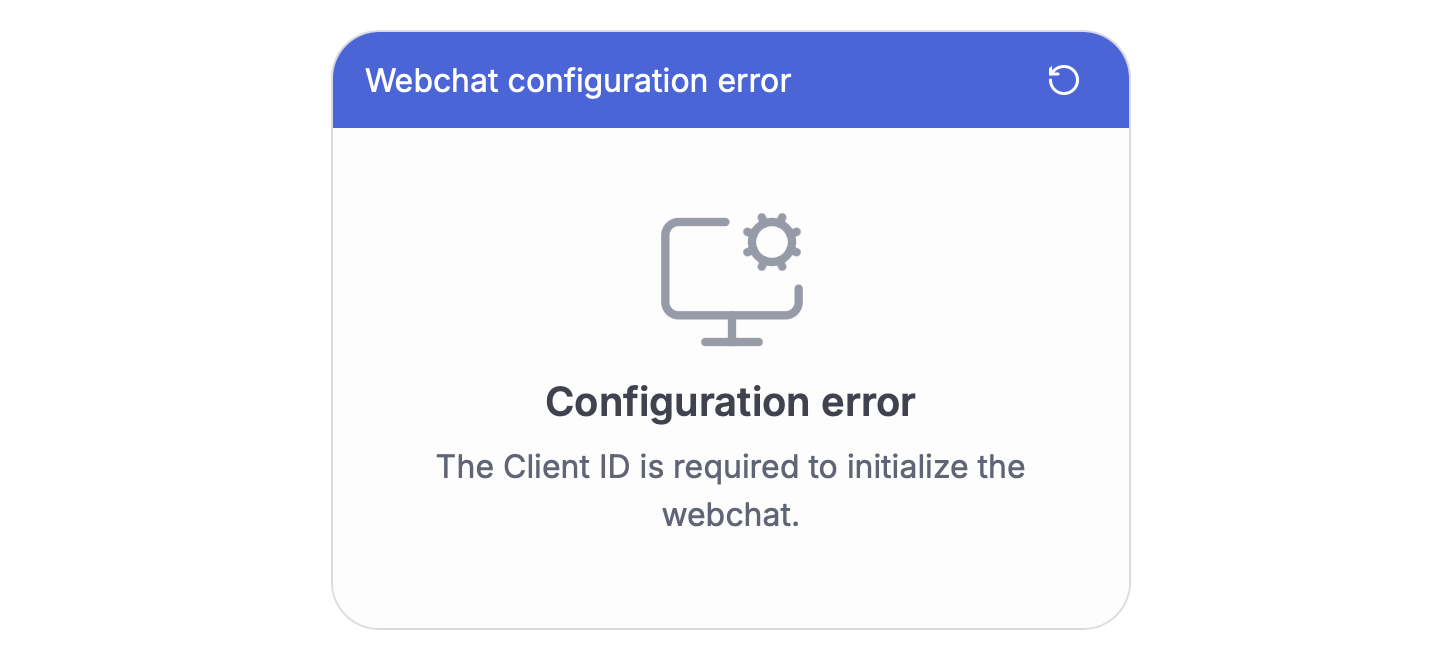
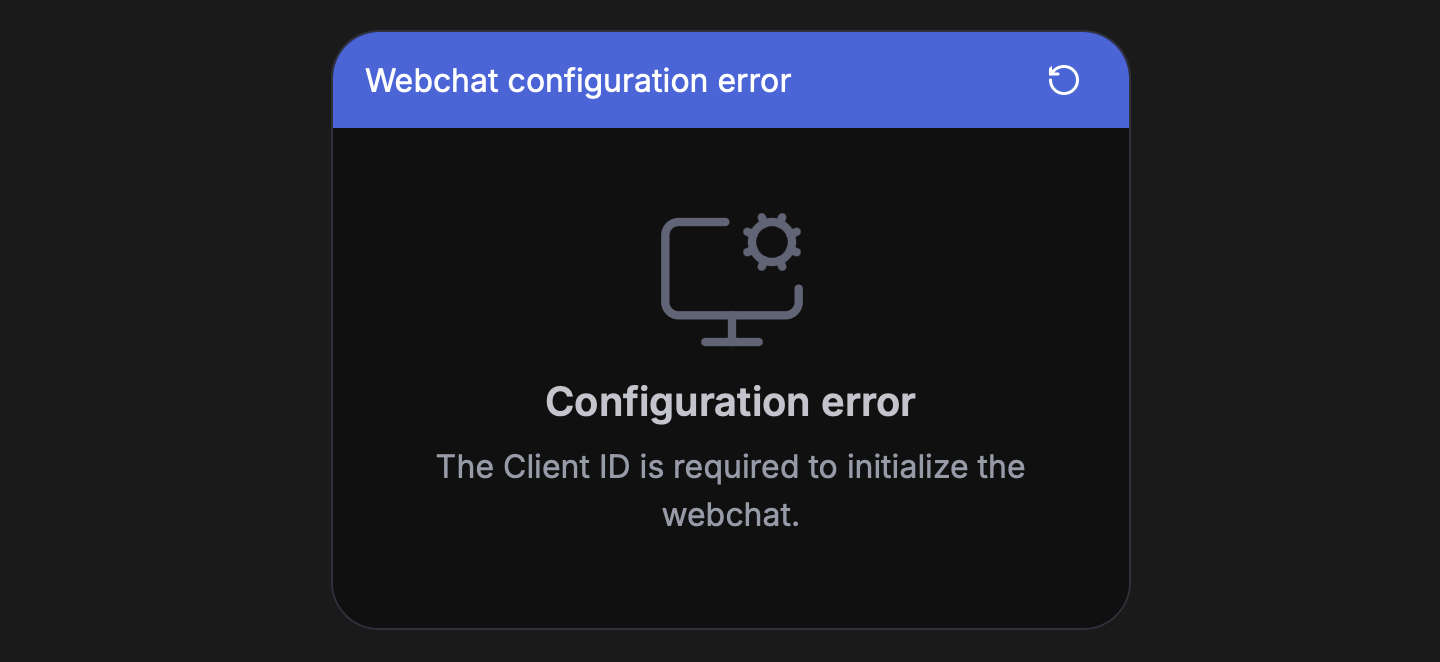
- Cause: Client ID not provided during initialization
- Solution: Provide a valid client ID
Invalid client ID
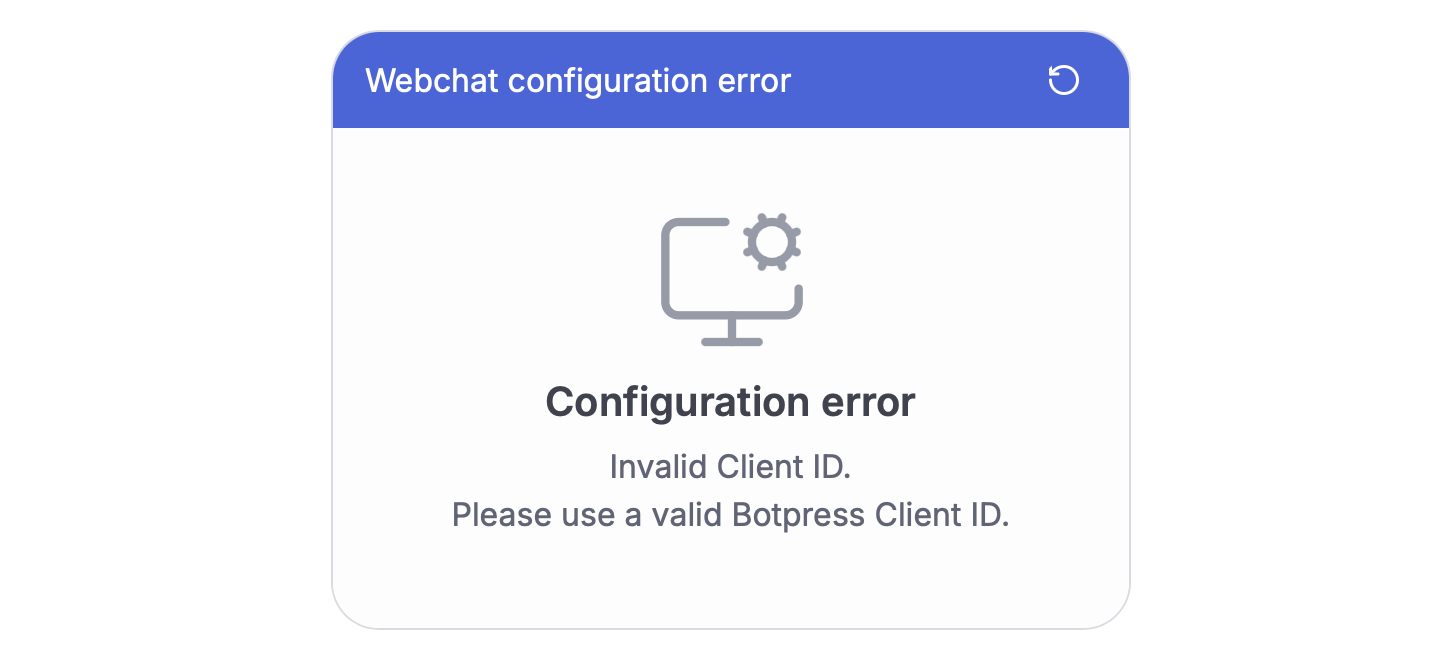
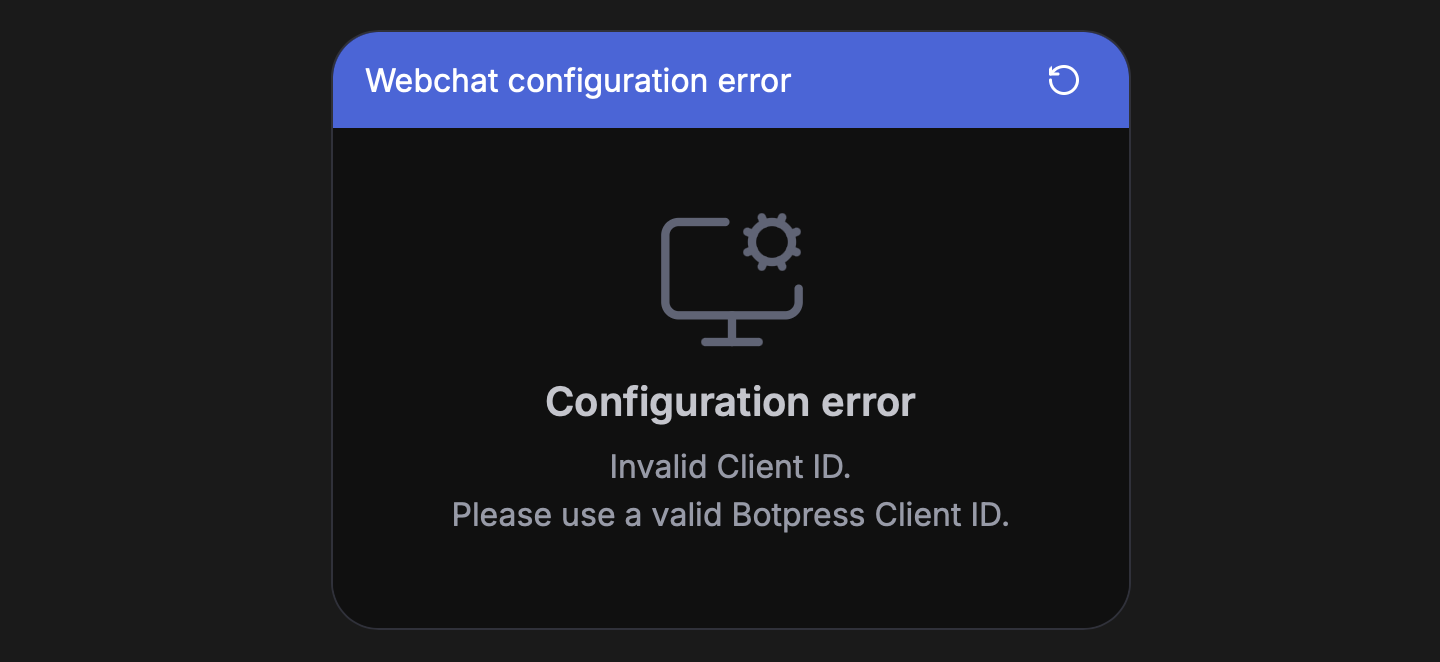
- Cause: Provided Client ID isn’t valid
- Solution: Use a valid Botpress Client ID
Missing API URL
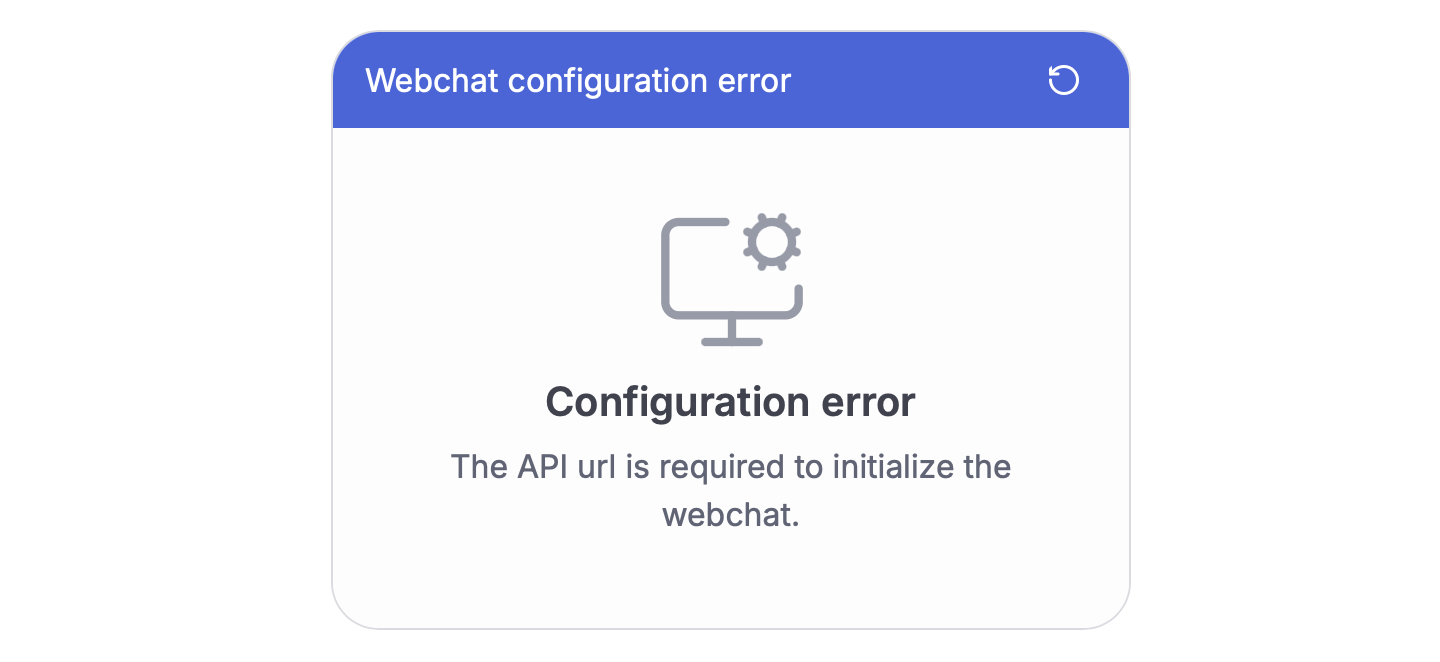

- Cause: API URL not provided during initialization
- Solution: Provide a valid API URL
Invalid API URL

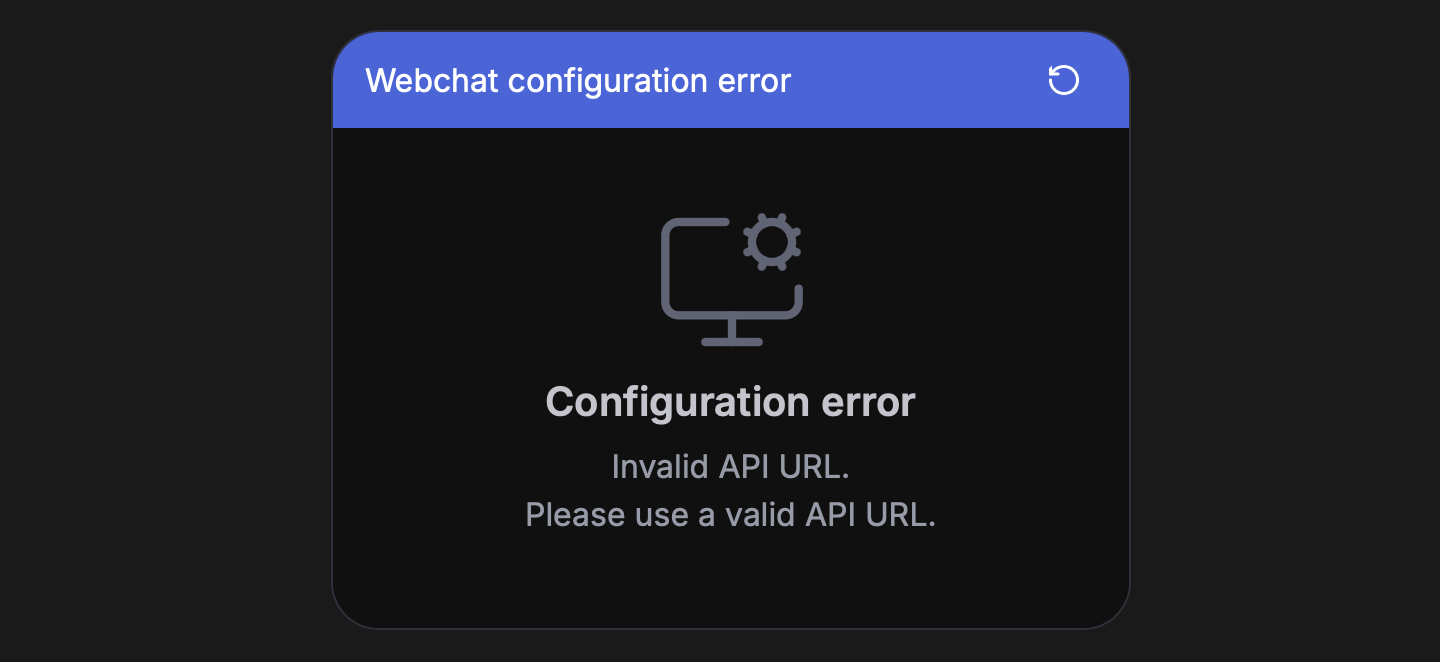
- Cause: API URL format is incorrect
- Solution: Use HTTPS URL format
Missing bot ID
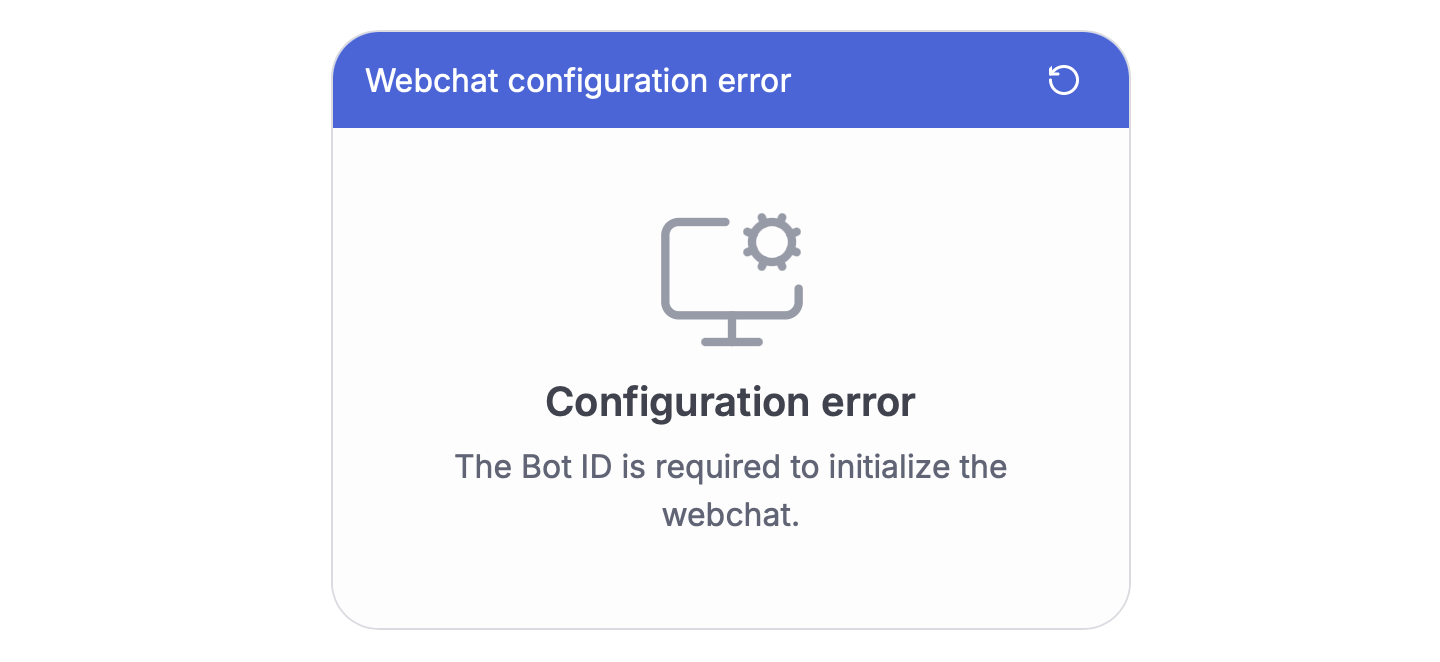
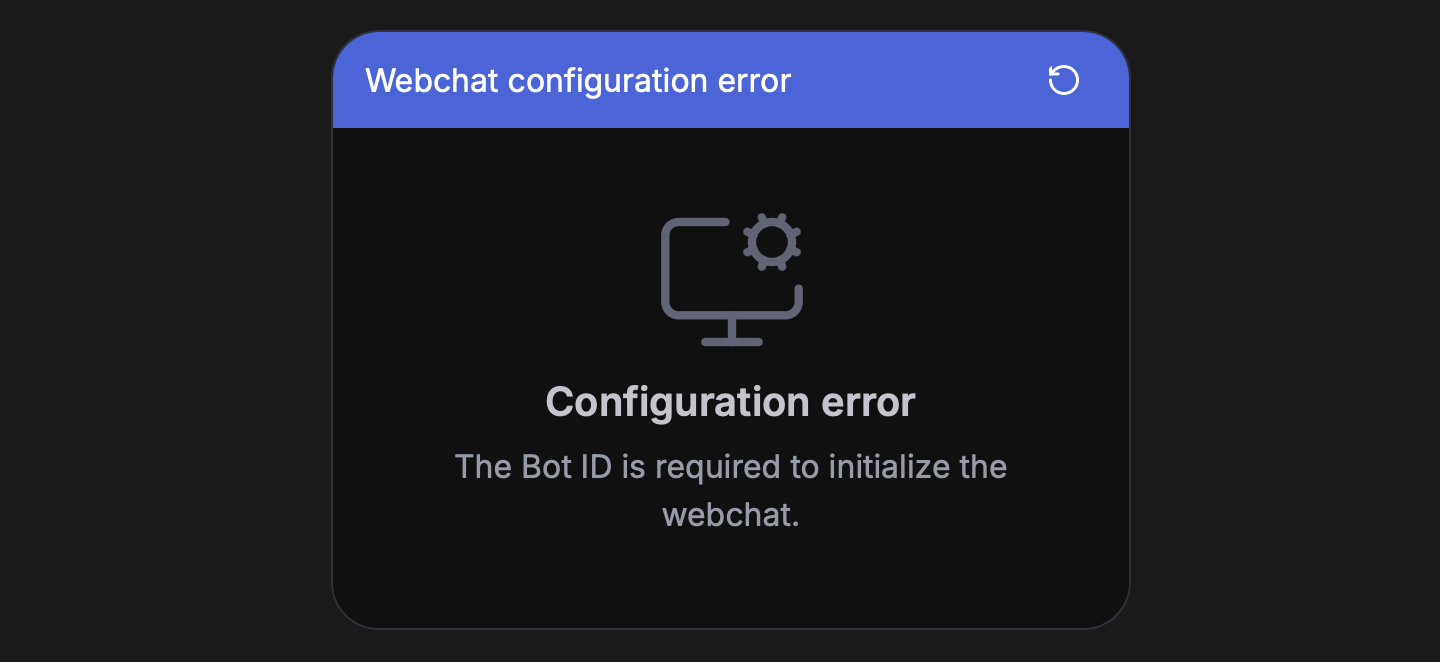
- Cause: Bot ID not provided during initialization
- Solution: Provide a valid Bot ID
Missing config URL
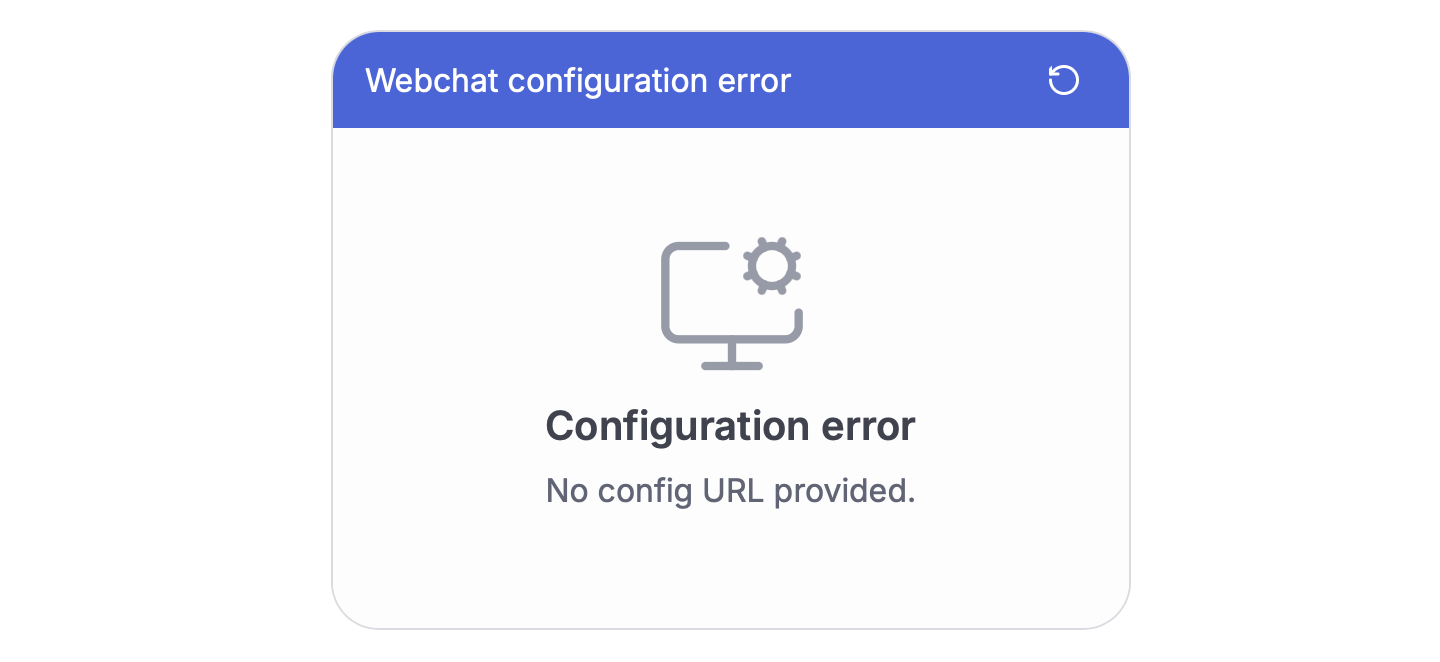
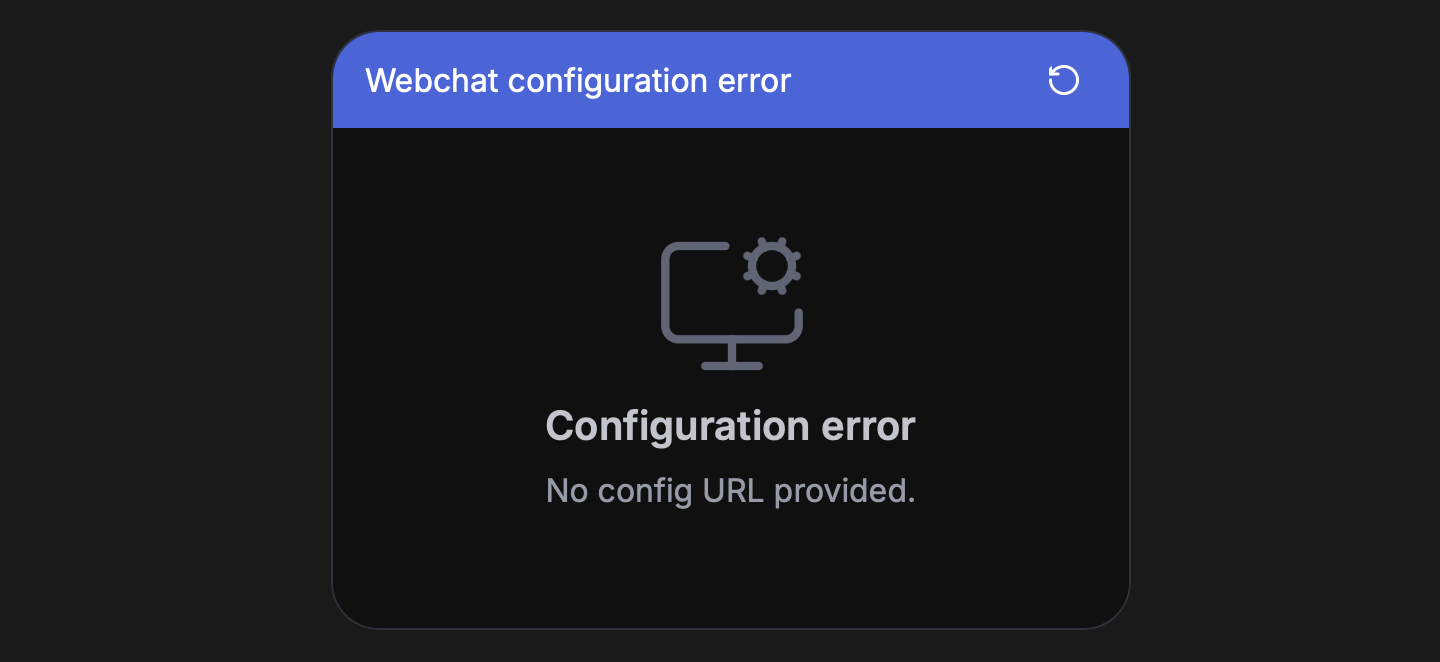
- Cause: No configuration URL provided
- Solution: Provide a configuration URL
Invalid config URL
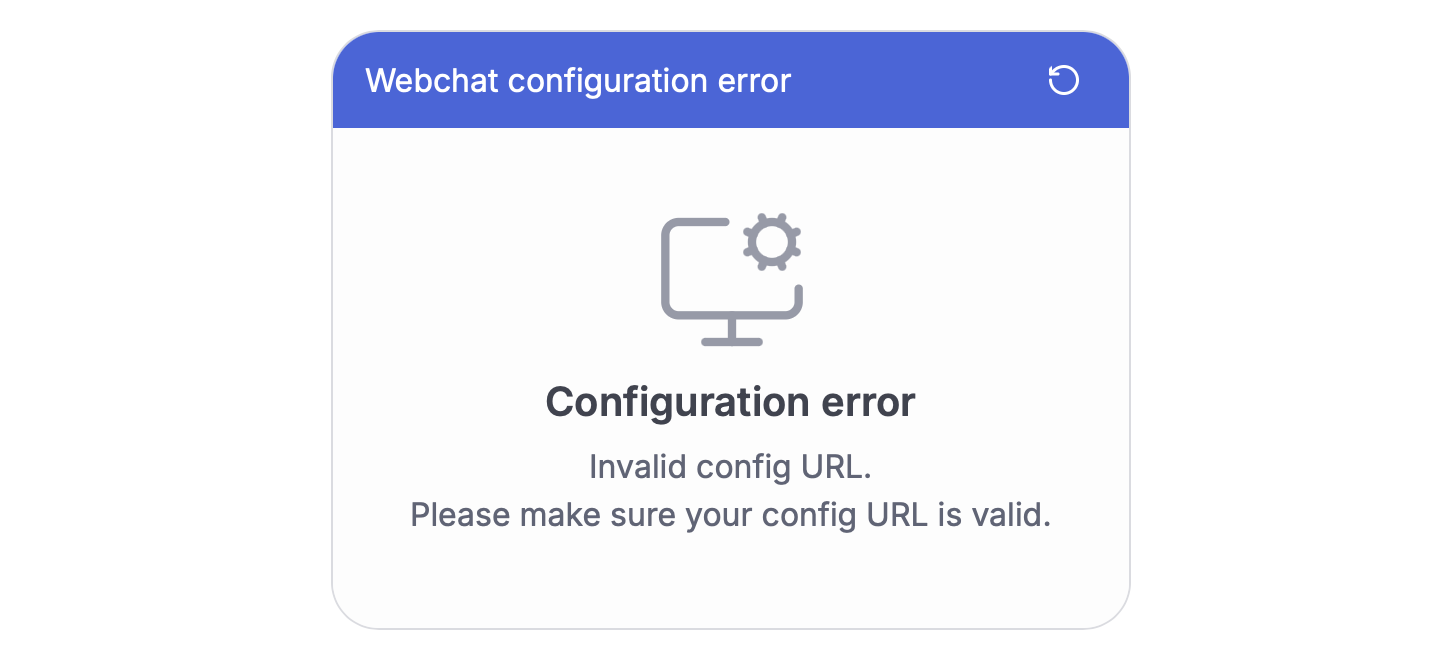
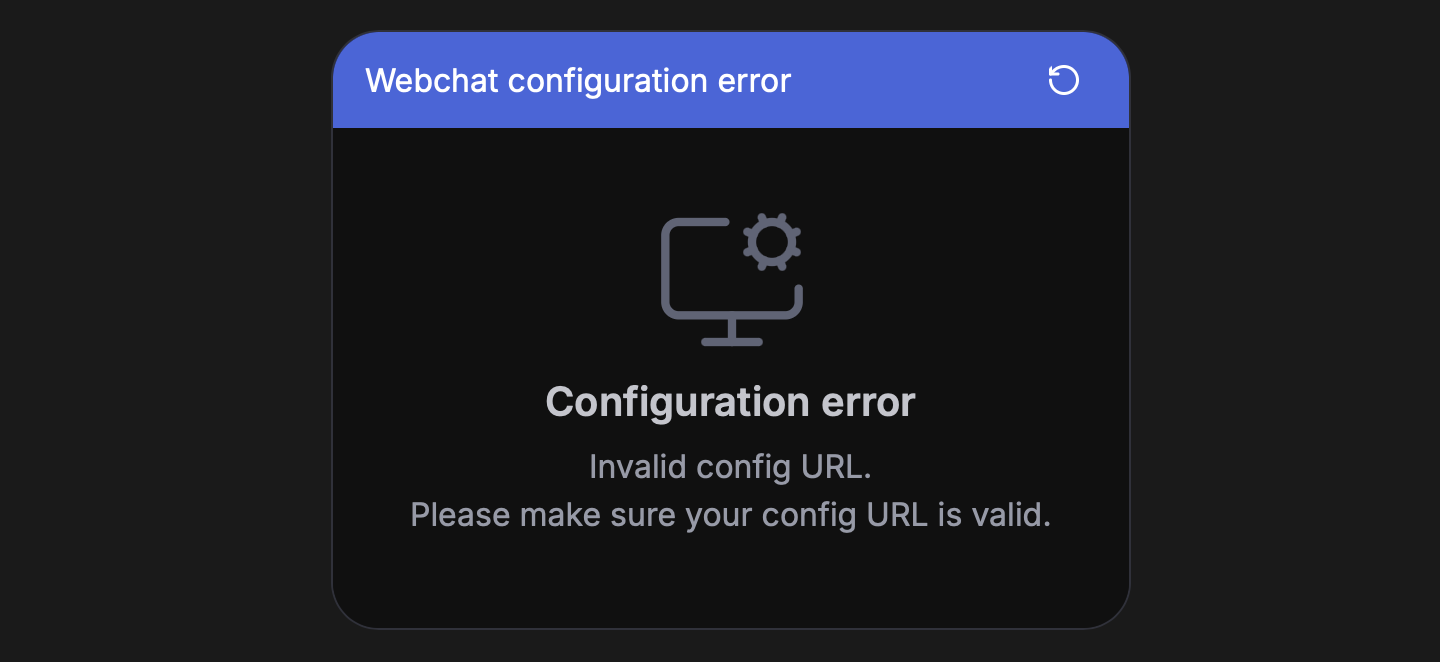
- Cause: Provided configuration URL is invalid
- Solution: Use a valid configuration URL
Invalid config
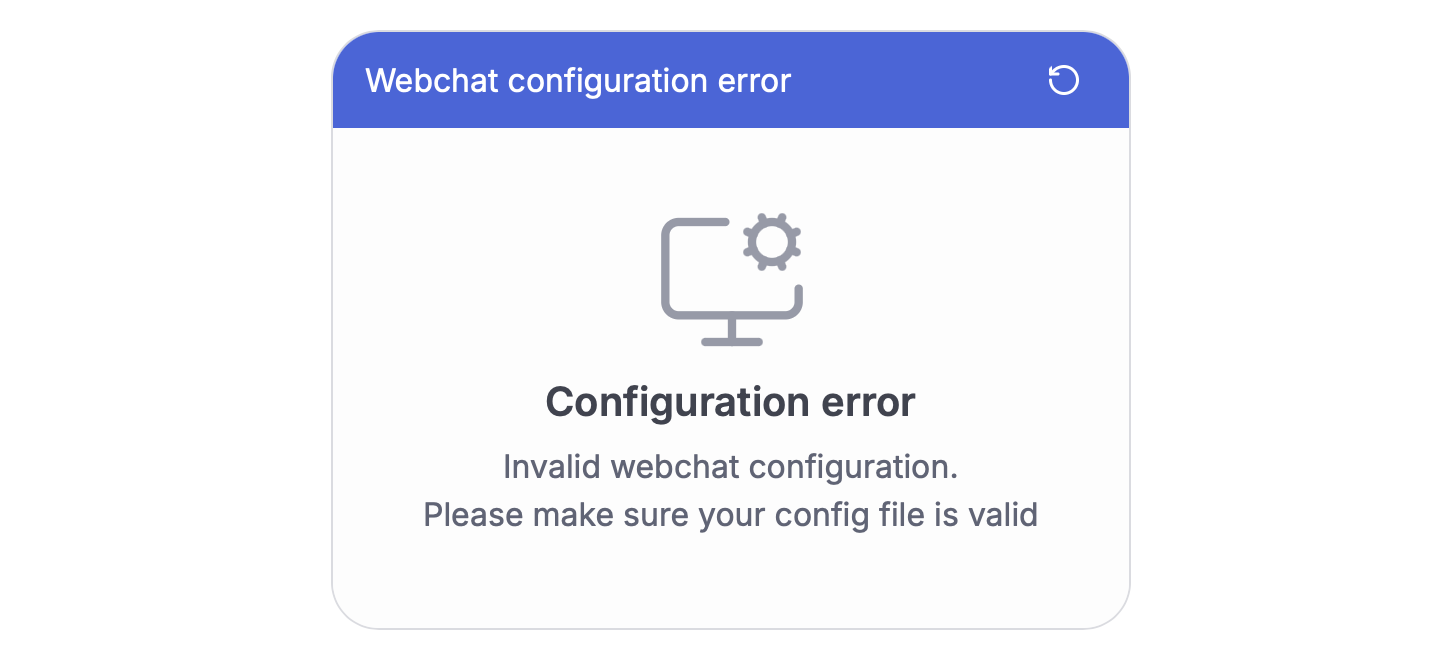
- Cause: Webchat configuration file is malformed
- Solution: Fix configuration file format
Config access denied
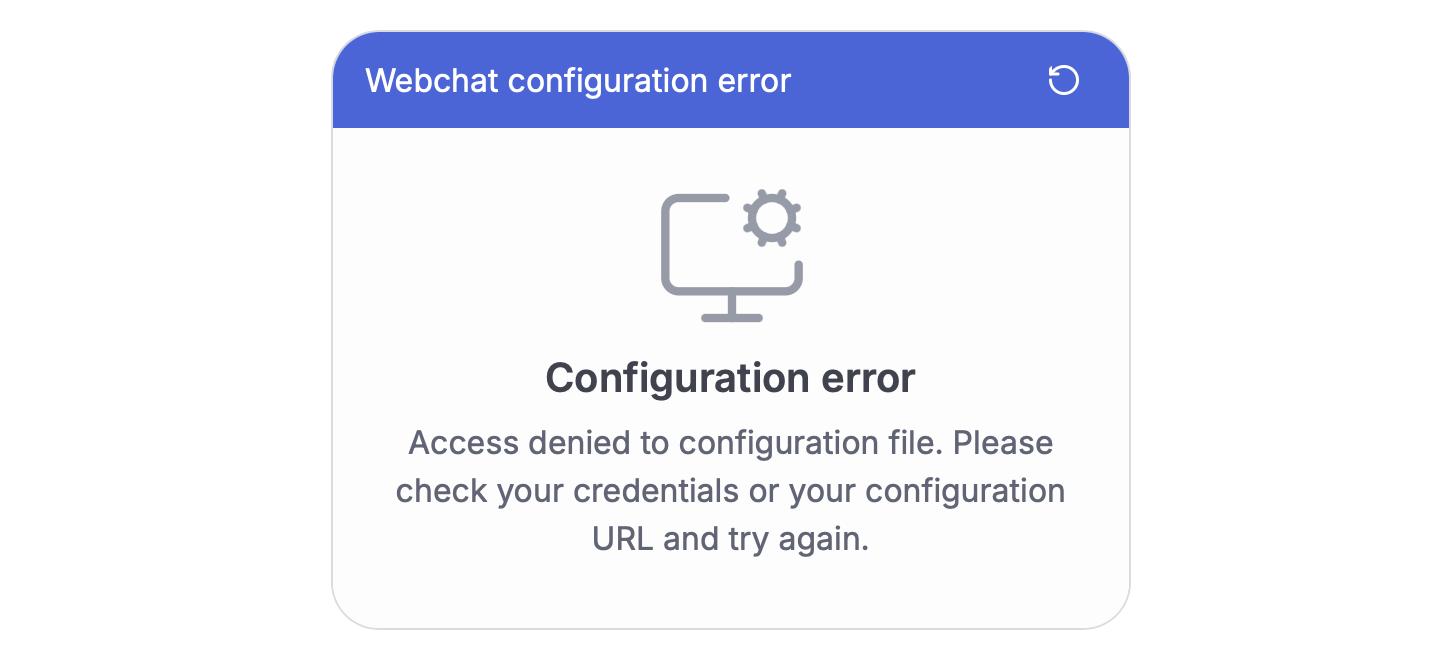
- Cause: Access to configuration file is restricted
- Solution: Check credentials and URL accessibility
Bot Errors
Bot is blocked
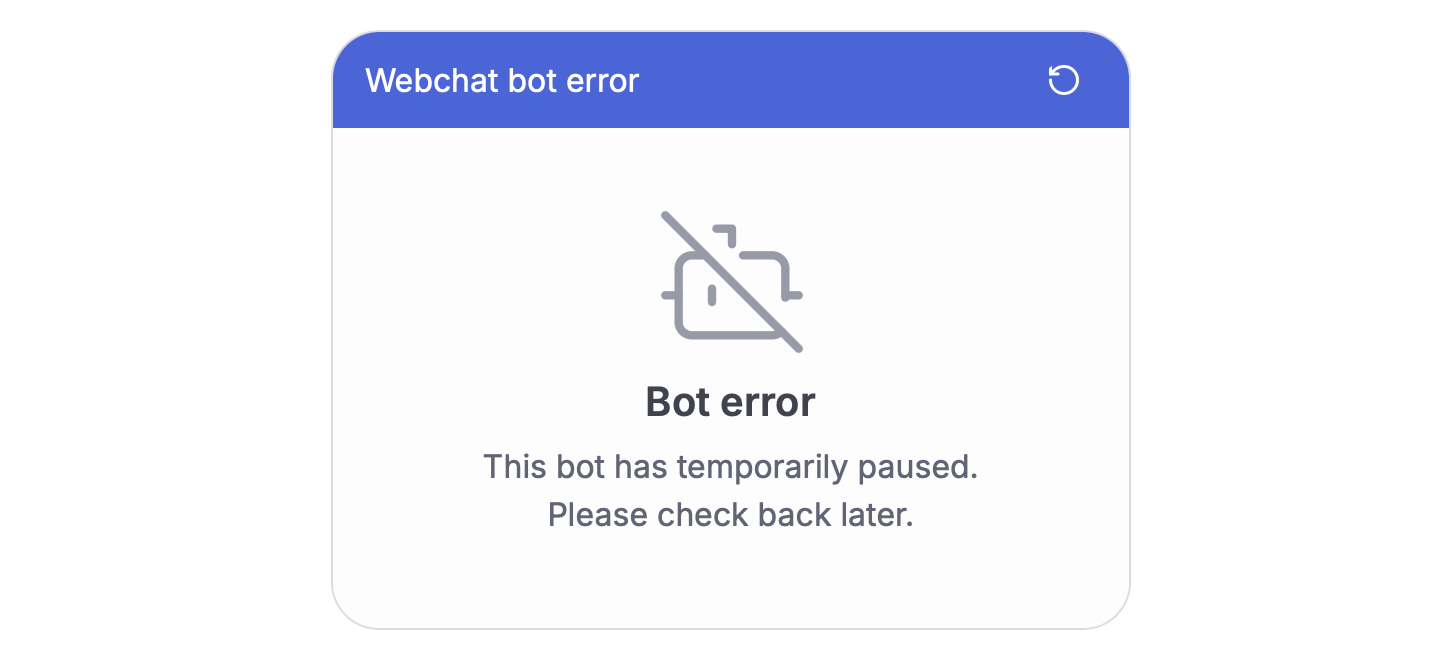
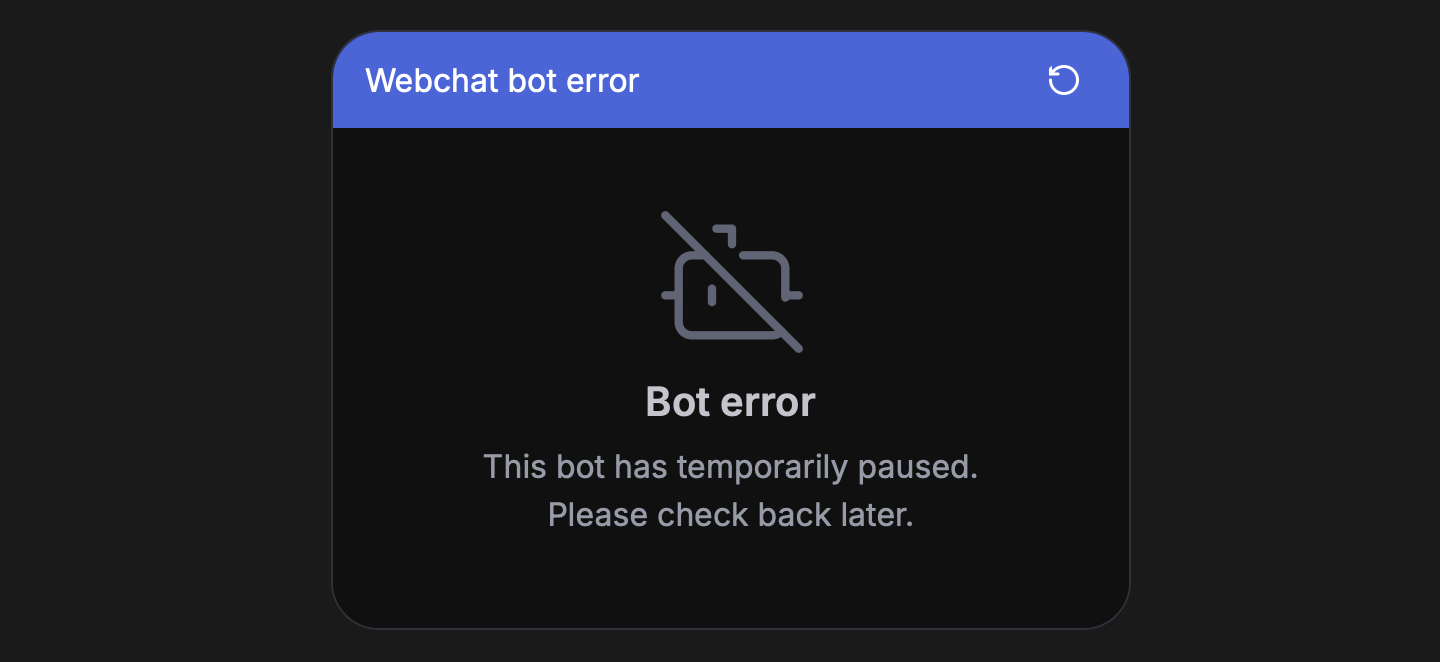
- Cause: Bot has been temporarily paused
- Solution: Check your bot’s status
Quota exceeded
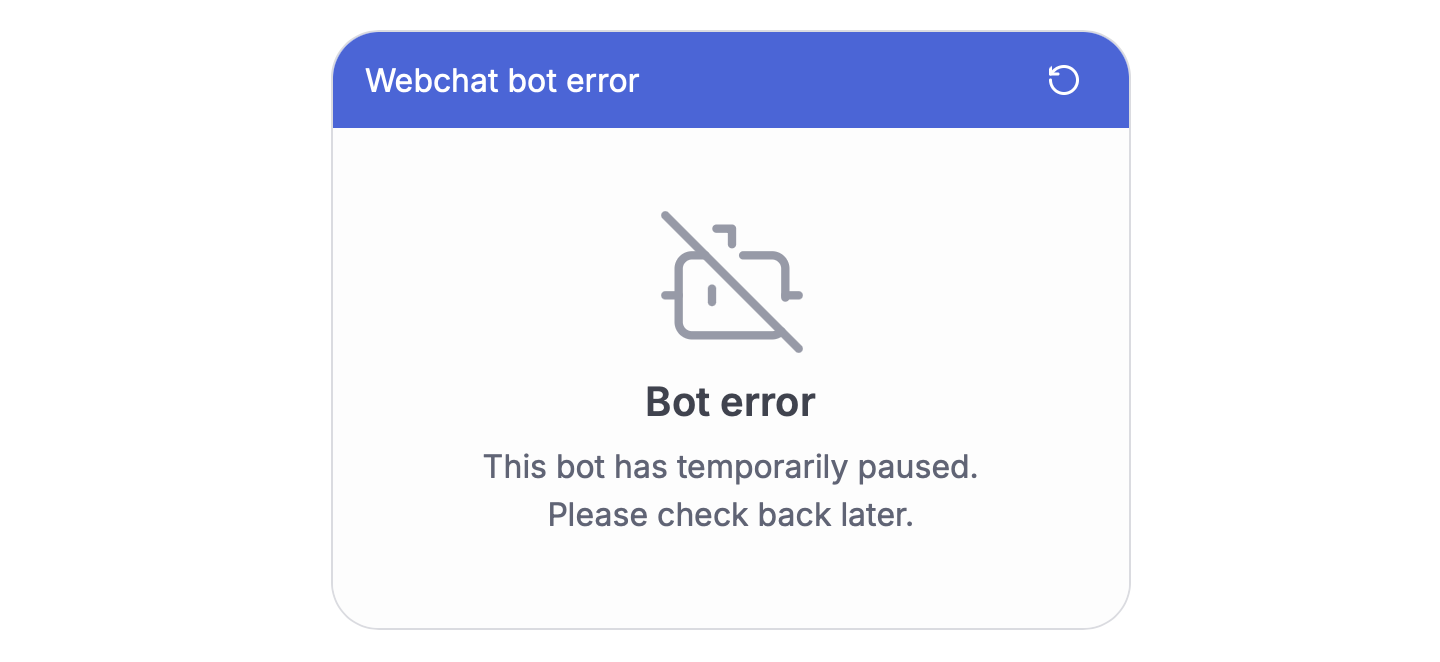

- Cause: Bot has reached usage limits
- Solution: Check usage quotas and limits in Dashboard
Not a participant
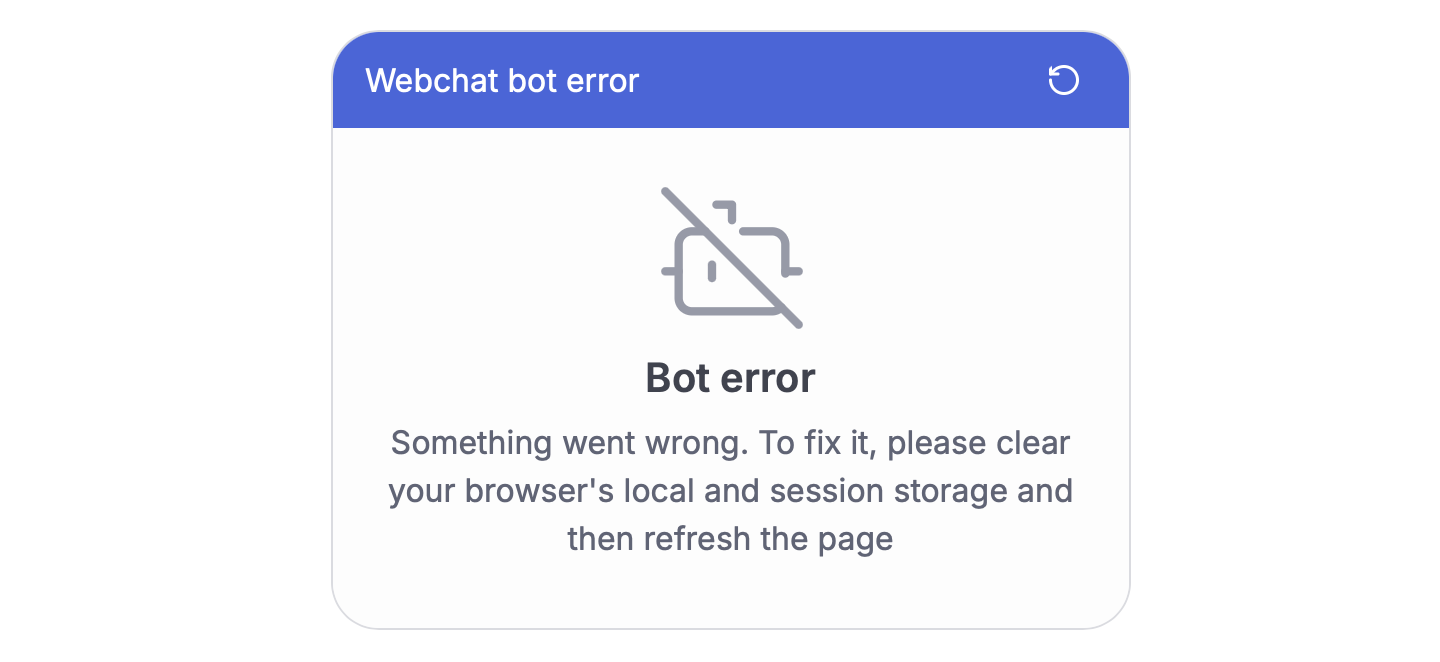

- Cause: User not authorized for conversation
- Solution: Clear browser storage and refresh
Invalid message content type
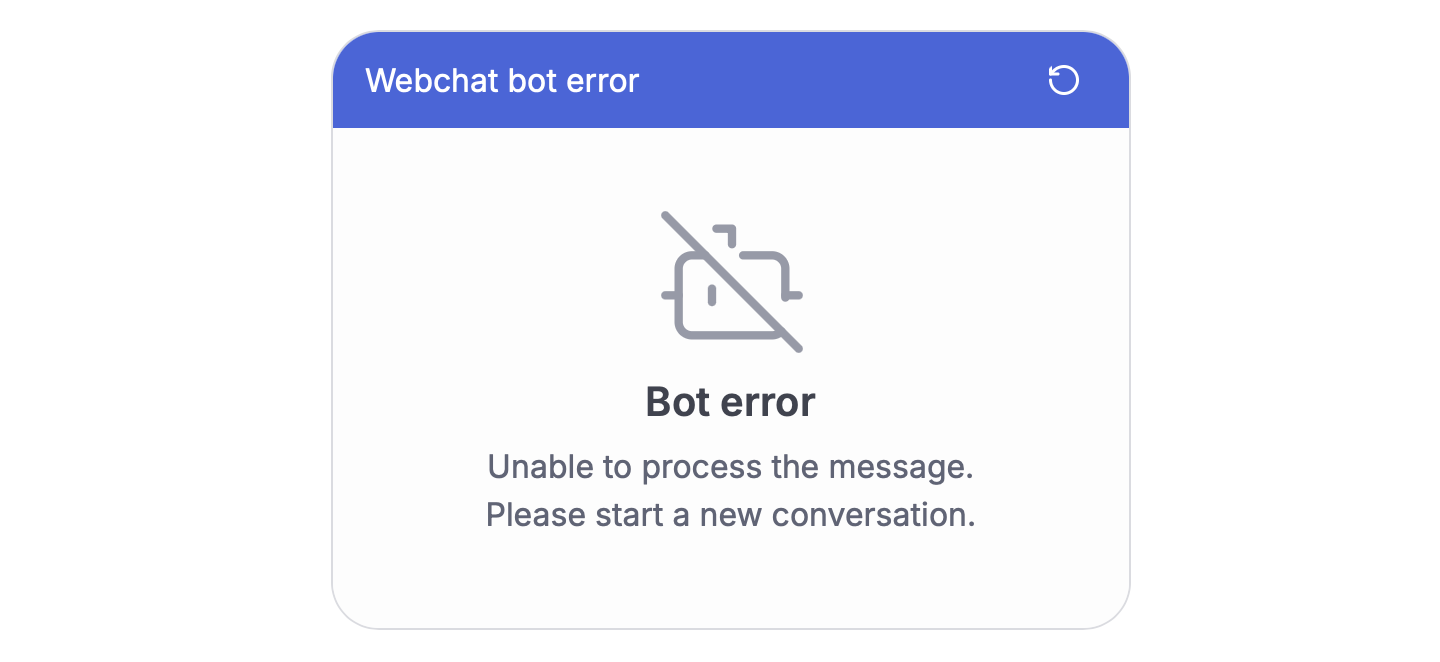
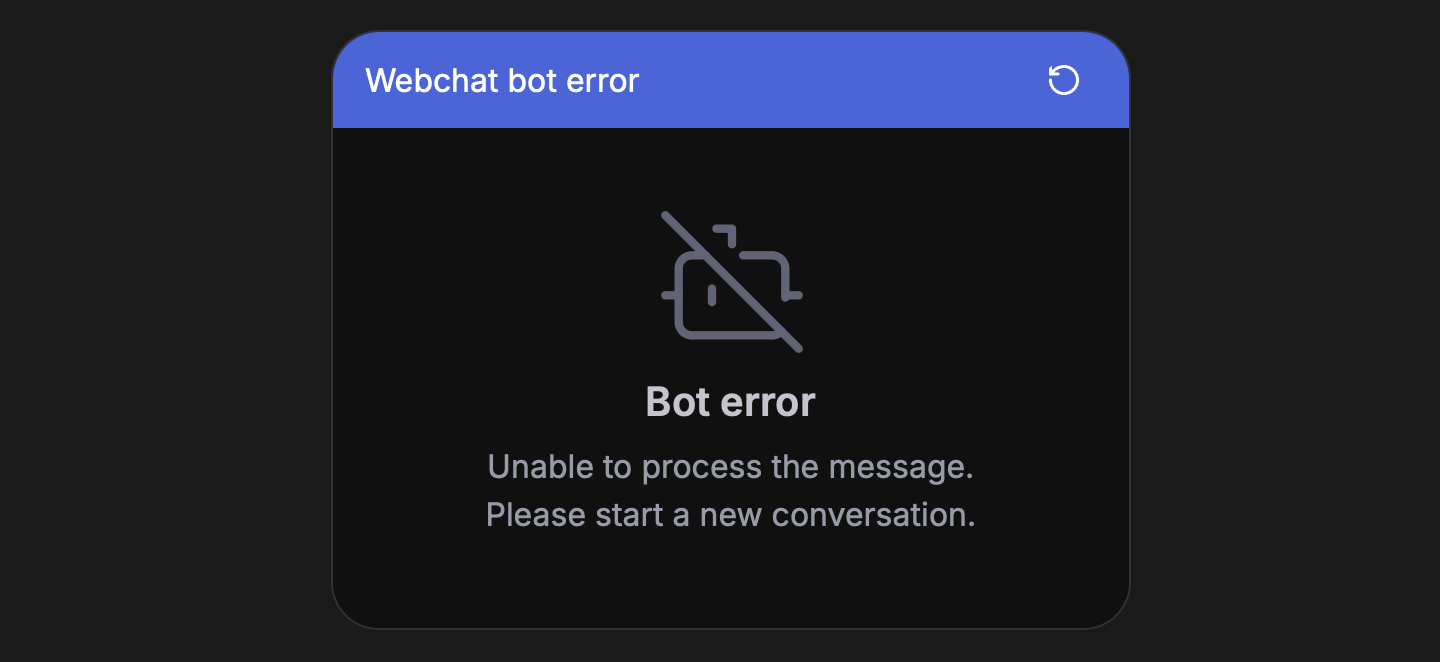
- Cause: Unable to process message format
- Solution
- Check your bot’s logs for any integration errors
- Start a new conversation
Network Errors
Network error
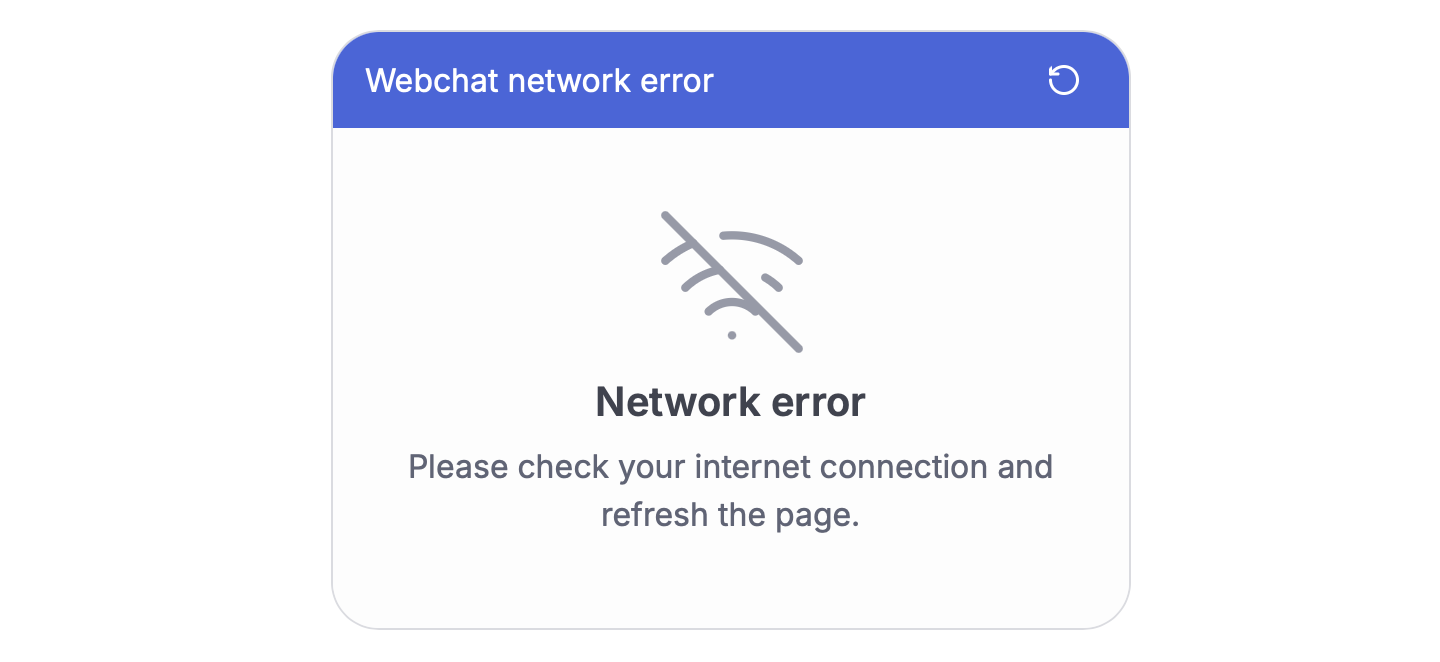
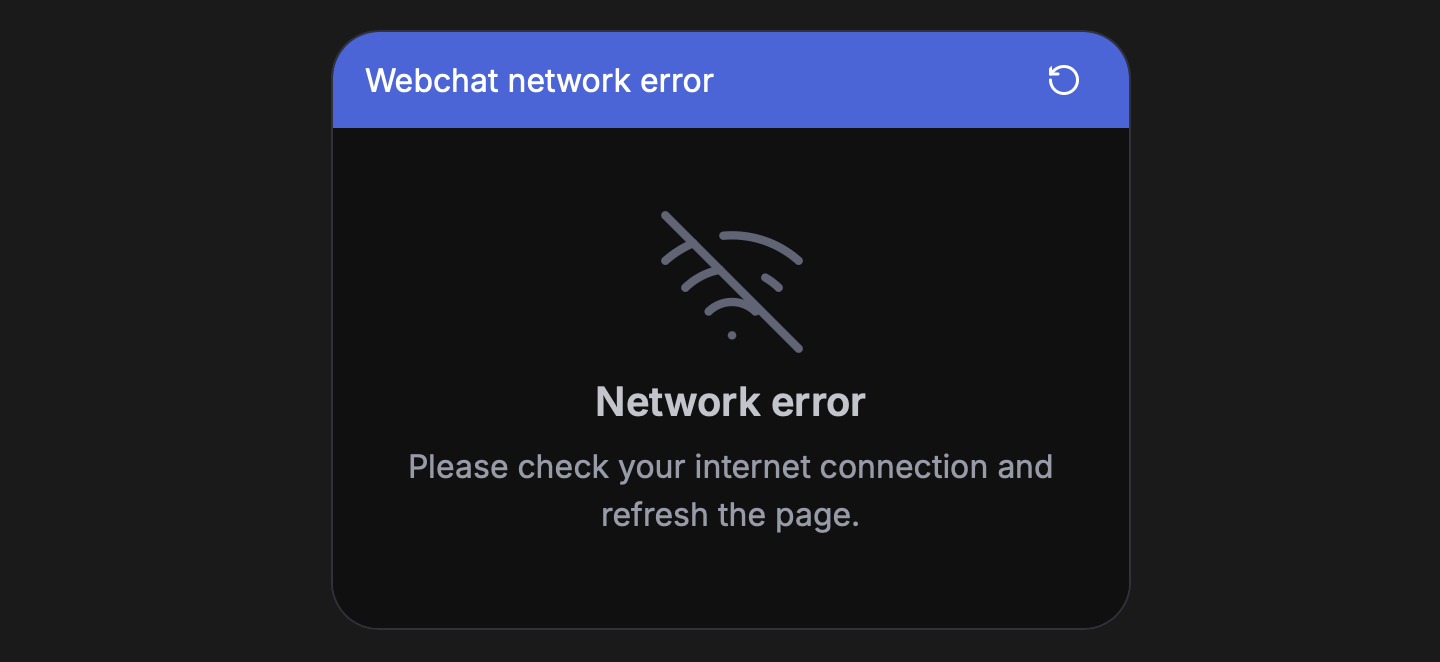
- Cause: General network connectivity problems
- Solution: Check internet connection
SSE disconnected

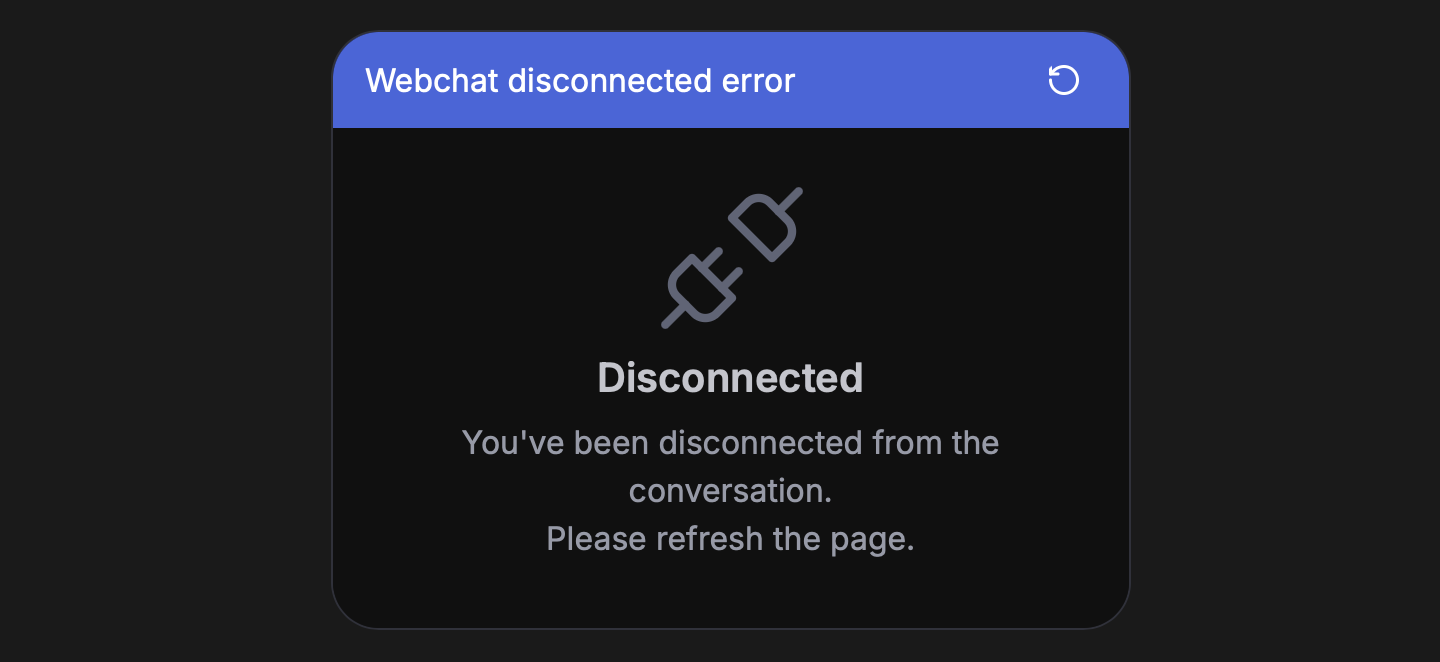
- Cause: Server-Sent Events connection lost
- Solution: Refresh the page